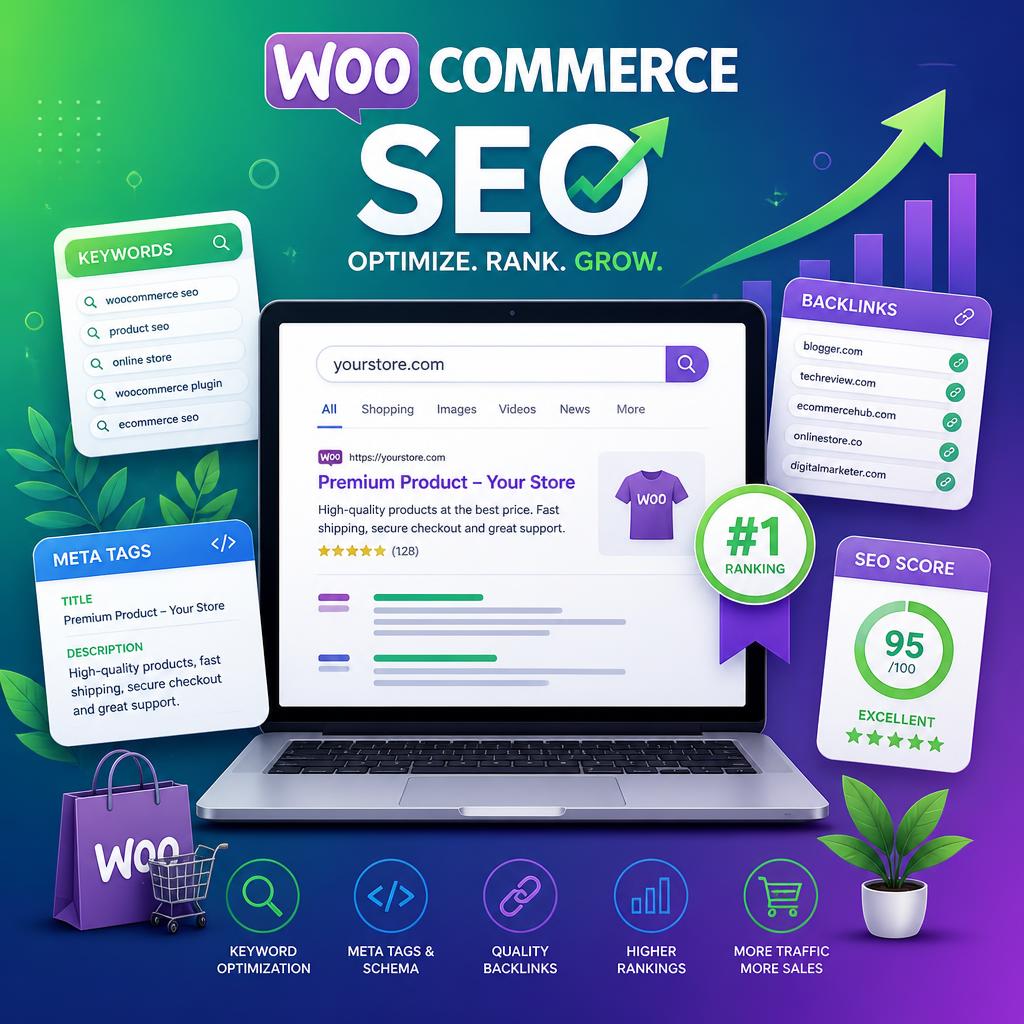
A well-built WooCommerce store with poor SEO is invisible. A well-optimised one can generate consistent, high-intent organic traffic that costs nothing per click and compounds over time. The good news is that WooCommerce — built on WordPress — is one of the most SEO-friendly e-commerce platforms available. The bad news is that “SEO-friendly” only means the tools are there. You still have to use them correctly.
This guide covers every layer of WooCommerce SEO: technical foundations, on-page optimisation, product and category pages, schema markup, site speed, and what’s changed in 2026 with AI-driven search.
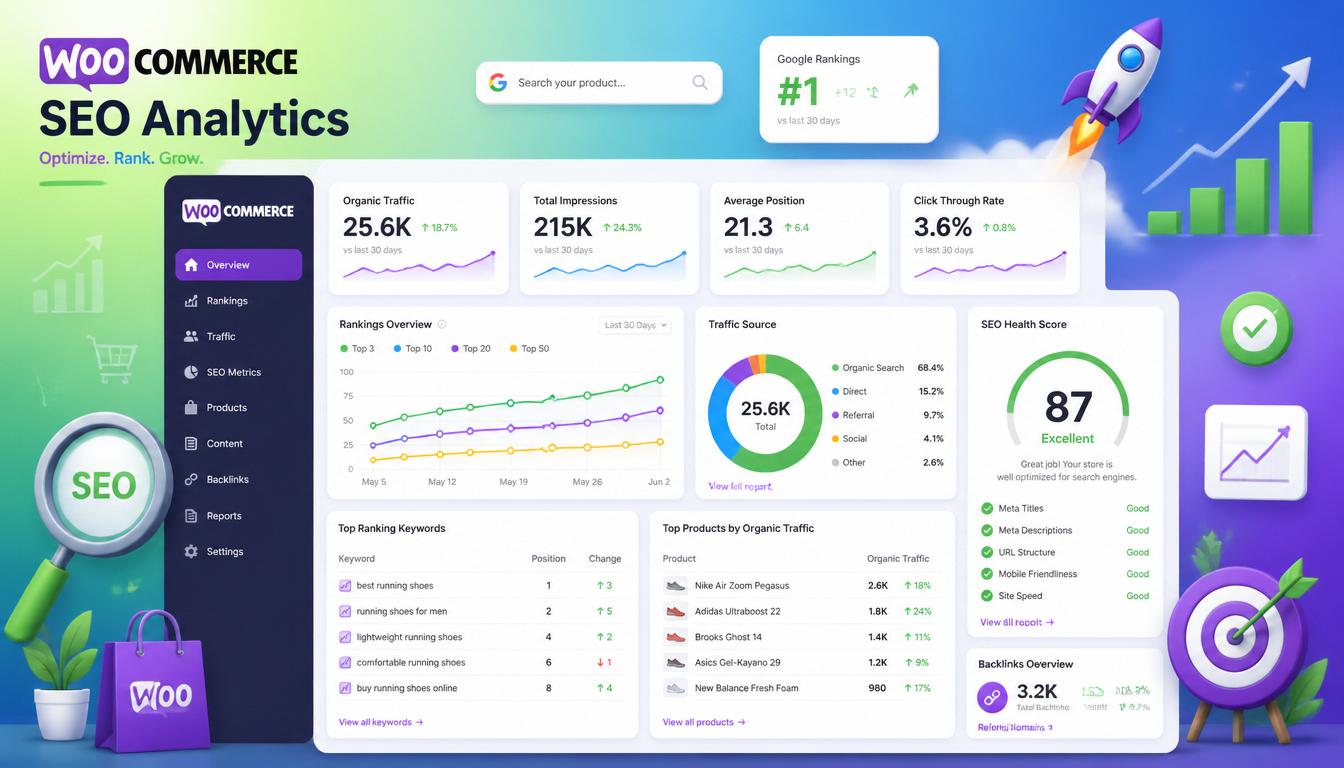
WooCommerce SEO guide 2026
Why WooCommerce SEO Is Different from Regular WordPress SEO
WooCommerce introduces SEO challenges that don’t exist on a standard WordPress blog or brochure site:
- Faceted navigation — filter URLs (?colour=red&size=large) create thousands of near-duplicate pages that waste crawl budget
- Thin product pages — short descriptions, no unique content, duplicate manufacturer copy
- Pagination — category pages with multiple pages that need proper canonical handling
- Session and cart URLs — dynamic URLs that should never be indexed
- Product schema — structured data for price, availability, reviews, and ratings that directly affects how Google displays your products
- Duplicate content — products appearing in multiple categories, tags, and archives simultaneously
Get these wrong and you’re fighting against your own site in the SERPs. Get them right and you have a meaningful technical advantage over competitors who haven’t bothered.
Step 1: Install the Right SEO Plugin
For WooCommerce, Rank Math Pro is the strongest choice in 2026. It handles product schema automatically, integrates with WooCommerce analytics, manages breadcrumbs, and provides the redirection module you’ll need when you change URLs. The free version covers basics; Pro is worth it for any store that takes SEO seriously.
Yoast SEO Premium with the WooCommerce SEO add-on is a solid alternative. Both are well-maintained and WooCommerce-compatible — pick one and configure it properly rather than running both.
Once installed, configure:
- Set your product and shop archive titles and meta descriptions
- Enable breadcrumbs and output them in your theme
- Configure the XML sitemap to include products and categories but exclude cart, checkout, account, and thank-you pages
- Set noindex on tag archives unless you’re actively optimising them
Step 2: Fix Your URL Structure
WooCommerce’s default URL structure includes /product/ in every product URL. Whether you keep this or remove it is a genuine debate, but the key principle is consistency — pick a structure before you launch and don’t change it later without proper 301 redirects in place.
For category URLs, avoid deep nesting. /shop/womens-clothing/dresses/midi-dresses/product-name/ is harder to crawl and dilutes link equity compared to /shop/dresses/product-name/. Keep category depth to two levels maximum where possible.
Set your permalinks under Settings → Permalinks. The Post name structure (/%postname%/) is cleanest for most stores. Flush permalinks after any structural change.
Step 3: Optimise Product Pages
Product pages are where most WooCommerce SEO is won or lost. The default WooCommerce product page gives you a title, short description, long description, and attributes. That’s not enough on its own.
Product Titles
Your product title is your H1 and usually your SEO title. Write it as a customer would search for it, not as a product code. “Men’s Merino Wool Crew Neck Jumper — Navy” will outperform “MWJ-224-NVY” every time. Include the primary keyword naturally — don’t stuff.
Product Descriptions
The long description is your main content area. Most WooCommerce stores leave this thin or copy manufacturer text verbatim — both are SEO problems. Write unique, useful copy that answers questions a buyer would have: materials, sizing, use cases, care instructions, what makes this product different. Aim for at least 200–300 words of original content per product for competitive categories.
Short Descriptions
The short description appears near the Add to Cart button. Keep it punchy and conversion-focused — 2–3 sentences highlighting the key selling points. It’s less important for SEO than the main description but contributes to overall page content quality.
Product Images
Every product image needs a descriptive alt tag — not “IMG_4521.jpg” but “mens-merino-wool-navy-jumper-front-view”. This helps with Google Images traffic and accessibility. Use ShortPixel or Imagify to serve WebP format and compress without visible quality loss.
Step 4: Optimise Category Pages
Category pages are often the highest-value pages on a WooCommerce store — they target broader, higher-volume keywords and funnel traffic to multiple products. Most stores ignore them almost entirely.
Each category page should have:
- A unique, keyword-targeted title (H1)
- An introductory paragraph (100–200 words) above the product grid explaining what the category contains and who it’s for
- A longer description (200–400 words) below the product grid — this is standard WooCommerce functionality under Products → Categories
- A unique meta title and meta description in Rank Math
- Internal links to subcategories and related content where relevant
A category page with unique, useful content consistently outranks one that’s just a grid of product images with no text.
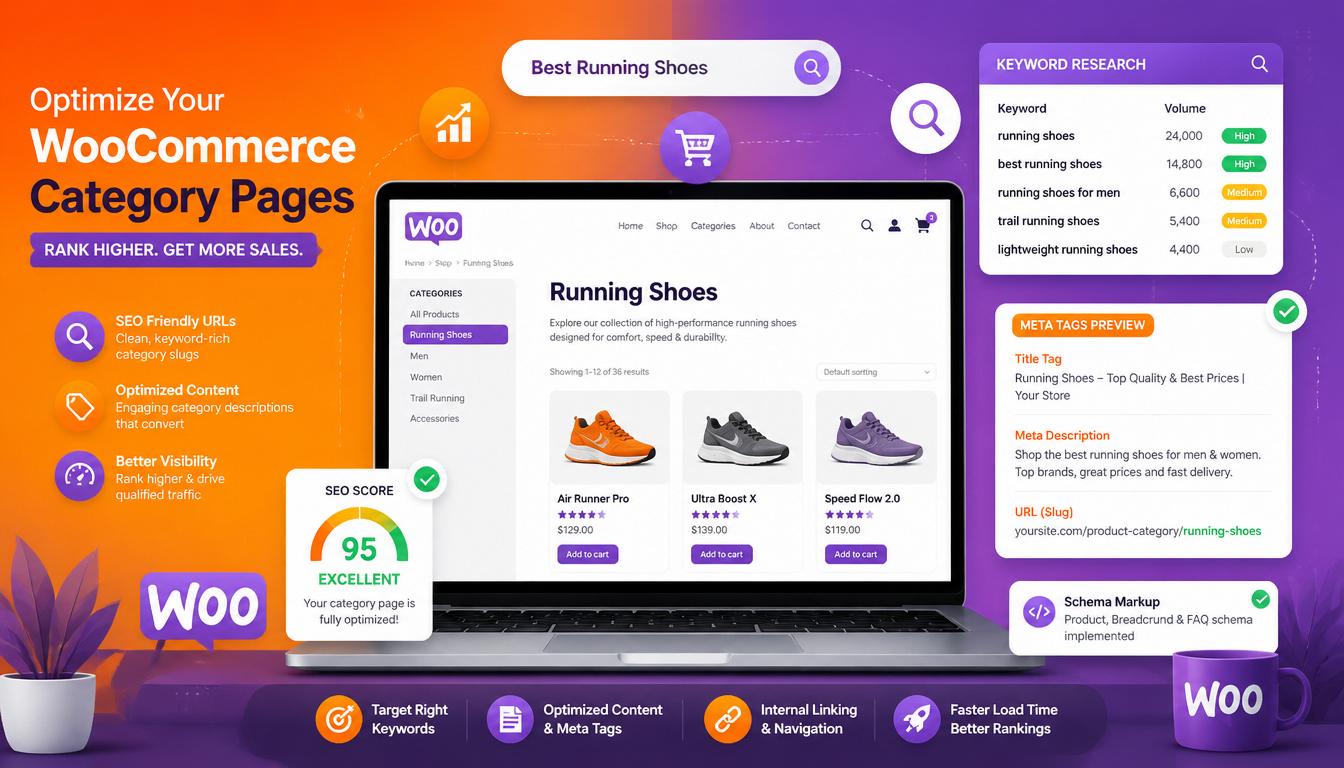
WooCommerce category page SEO optimisation
Step 5: Implement Product Schema Markup
Product schema tells Google the price, availability, rating, and review count of your products — and Google uses this to generate rich results in the SERPs. Rich results (star ratings, price ranges, in-stock status) increase click-through rate significantly compared to plain blue links.
Rank Math Pro generates product schema automatically from your WooCommerce data. Verify it’s working using Google’s Rich Results Test and the Schema tab in Google Search Console.
Pro Tip: Do not output aggregateRating schema if the product has 0 reviews. Google Search Console will flag this as an error and may suppress rich snippets. Use a conditional check in Rank Math to hide rating schema until at least 1 review exists.
The key schema properties for WooCommerce products:
- name — product title
- description — product description
- image — product image URL
- offers — price, currency, availability, URL
- aggregateRating — average rating and review count (requires reviews enabled)
- brand — manufacturer or brand name
- sku — stock keeping unit
Note for Variable Products: If your products have multiple variations (e.g., size, colour) with different prices, standard schema might not be sufficient. Google often looks for aggregateOffer or specific variation data. For detailed advice on handling SEO for complex inventories, see our guide on WooCommerce Variable Products.
If your store uses WooCommerce’s built-in filtering (by colour, size, price range), every filter combination generates a unique URL. Left unchecked, this creates thousands of thin, near-duplicate pages that dilute crawl budget and confuse search engines.
The standard solution:
- Set filter URLs to noindex via Rank Math or your SEO plugin
- Add
?filter_colour=redstyle parameters to the Google Search Console URL Parameters tool (legacy) or use thenoindexapproach - Ensure canonical tags on paginated category pages point to the root category, not each individual page
- Disallow filter URLs in
robots.txtif they use consistent parameter patterns
Also check that your cart (/cart/), checkout (/checkout/), account (/my-account/), and order confirmation (/order-received/) pages are set to noindex. These should never appear in search results.
Step 7: Site Speed and Core Web Vitals
Page speed is a confirmed Google ranking factor, and for e-commerce it directly affects conversion rate — a 1-second delay in page load time reduces conversions by approximately 7%. WooCommerce stores are particularly vulnerable to speed issues because of the number of plugins involved.
The essential performance stack for a WooCommerce store:
- Hosting — managed WordPress hosting (Cloudways, Kinsta) rather than shared hosting
- Caching — WP Rocket with WooCommerce-specific exclusions configured
- CDN — Cloudflare free tier handles most stores adequately
- Image optimisation — WebP format, lazy loading, appropriate dimensions
- Script management — Perfmatters to disable unused scripts per page type
- Database optimisation — WP-Optimize or similar to clean up transients and post revisions
Pro Tip: Target LCP < 2.5s, INP < 200ms, and ensure the checkout page specifically loads under 1.5s to prevent cart abandonment. These are the Core Web Vitals thresholds Google uses for the “Good” classification. INP replaced FID as the interactivity metric in March 2024.
Step 8: Internal Linking for WooCommerce
Internal linking distributes page authority across your store and helps Google understand the relationship between products, categories, and content. Most WooCommerce stores underuse this.
Practical internal linking for WooCommerce:
- Link from blog posts to relevant product and category pages
- Use the Related Products and Up-Sells sections on product pages
- Link between complementary categories in category descriptions
- Ensure your most important category pages are accessible from the main navigation
- Use breadcrumbs — they create additional internal links and improve UX simultaneously
For larger stores, a tool like Link Whisper can identify orphaned pages and suggest relevant internal links at scale.
If you’re still choosing between WooCommerce and a hosted platform, see our WooCommerce vs Shopify comparison for a side-by-side look at SEO control, costs and customisation.
Step 9: WooCommerce SEO in 2026 — AI Search and GEO
Google’s AI Overviews now appear for many commercial and informational queries, changing how organic results are displayed and clicked. For e-commerce, AI Overviews are less disruptive than for informational content — transactional queries (“buy merino jumper UK”) still produce standard Shopping and organic results rather than AI summaries.
Where AI search does affect WooCommerce stores:
- Informational queries — blog content (“how to care for merino wool”) may now be summarised in an AI Overview rather than clicked. Optimise for direct answers and ensure your brand is cited.
- Generative Engine Optimisation (GEO) — appearing as a source in ChatGPT, Perplexity, and Google’s AI responses is becoming a secondary SEO objective. This favours E-E-A-T signals: genuine expertise, author credentials, original research, and clear brand identity.
- Product-specific queries — remain largely unaffected by AI Overviews. Focus remains on traditional ranking factors: content quality, backlinks, technical SEO, and page experience.
For a broader view of how AI is reshaping search, see our guide on whether SEO is dead in 2026.
WooCommerce SEO Checklist
- SEO plugin installed and configured (Rank Math Pro or Yoast + WooCommerce SEO)
- Permalink structure set and consistent
- XML sitemap generated and submitted to Google Search Console
- Cart, checkout, account, and order pages set to noindex
- Product titles and descriptions unique and keyword-optimised
- Product images compressed, WebP format, descriptive alt tags
- Category pages have unique descriptions and meta data
- Product schema verified in Rich Results Test (no aggregateRating if 0 reviews)
- Faceted navigation URLs noindexed or blocked
- Core Web Vitals passing: LCP < 2.5s, INP < 200ms, checkout < 1.5s
- Internal linking between products, categories, and blog content
- Breadcrumbs enabled and displaying correctly
Frequently Asked Questions
Is WooCommerce good for SEO?
Yes — WooCommerce on WordPress offers more SEO flexibility than any major hosted e-commerce platform. Full URL control, complete schema customisation, deep integration with professional SEO plugins, and no platform-imposed limitations make it an excellent choice for stores where organic traffic is a priority.
What is the best SEO plugin for WooCommerce?
Rank Math Pro is the strongest choice in 2026 for WooCommerce — it handles product schema automatically, integrates with WooCommerce analytics, and includes a redirection module. Yoast SEO Premium with the WooCommerce add-on is a solid alternative. Don’t run both simultaneously.
How do I add product schema to WooCommerce?
Rank Math Pro and Yoast SEO both generate product schema automatically from your WooCommerce product data — price, availability, rating, and SKU are all pulled in without manual configuration. Verify the output using Google’s Rich Results Test after setup.
Why are my WooCommerce products not ranking?
The most common causes are thin or duplicate product descriptions, poor page speed, missing or incorrect schema, no category page content, and faceted navigation creating crawl budget issues. Run a technical audit in Screaming Frog and check Google Search Console for coverage and Core Web Vitals issues.
How important is site speed for WooCommerce SEO?
Very. Page speed affects both Google rankings (Core Web Vitals are a confirmed ranking factor) and conversion rate. A WooCommerce store on poor hosting without caching will struggle regardless of how well the on-page SEO is done. See our overview of the best WooCommerce performance plugins for the recommended stack.
Do I need a developer to do WooCommerce SEO?
Basic on-page optimisation — titles, descriptions, alt tags — can be done without technical expertise. Technical SEO (faceted navigation, schema debugging, crawl budget management, Core Web Vitals optimisation) benefits significantly from developer involvement. If your store is generating meaningful revenue, the return on a proper technical SEO audit is almost always positive.
Technical SEO is one piece of the puzzle. For setup, products, plugins, security and scaling, read our ultimate WooCommerce guide.

With over two decades of web design and development expertise, I craft bespoke WordPress solutions at FallingBrick, delivering visually striking, high-performing websites optimised for user experience and SEO.