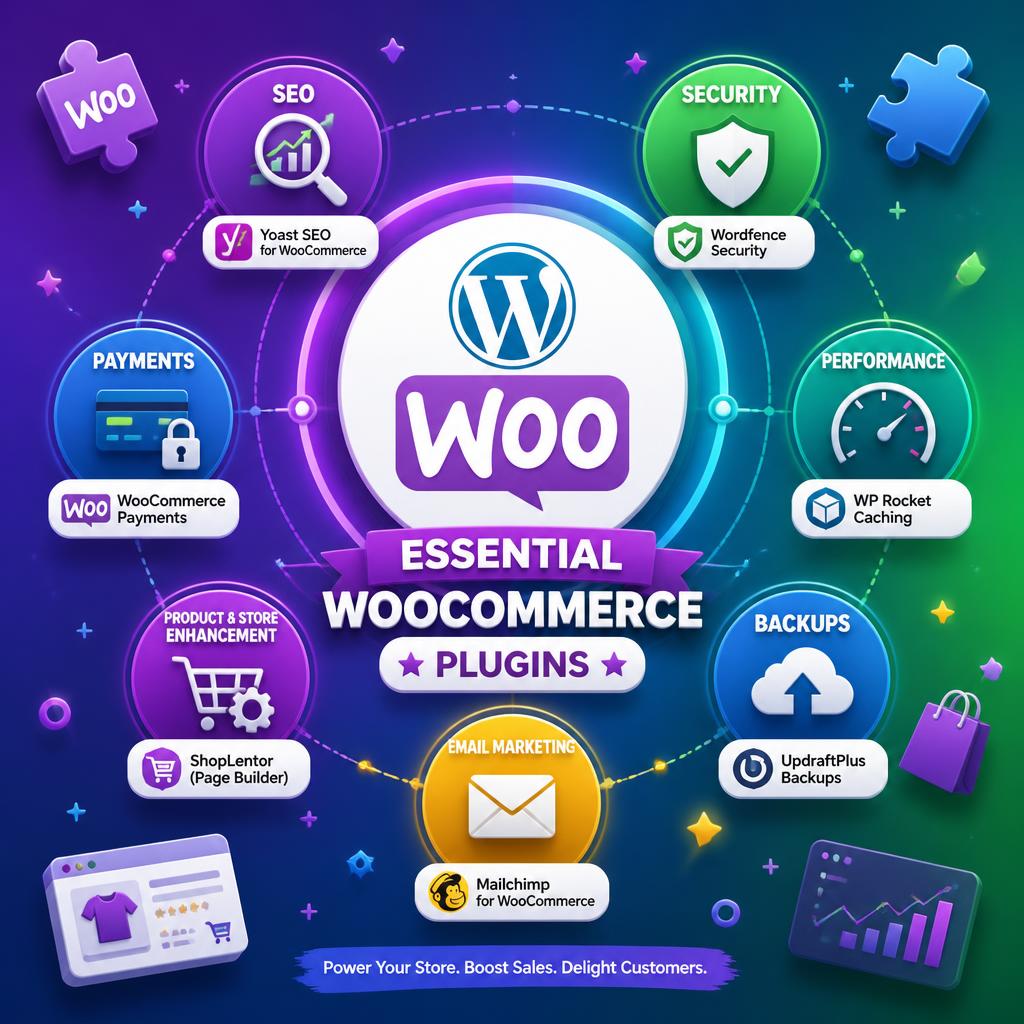
WooCommerce is powerful out of the box — but the right plugins are what turn a standard store into a high-converting, well-optimised, properly automated business. The problem is choosing wisely: the WordPress plugin repository alone has thousands of WooCommerce-compatible options, and picking the wrong ones leads to plugin bloat, conflicts, and performance problems.
This guide covers the best WooCommerce plugins across every major category, based on real-world use rather than affiliate rankings. Each recommendation is actively maintained, compatible with WooCommerce 9.x, and worth the installation.
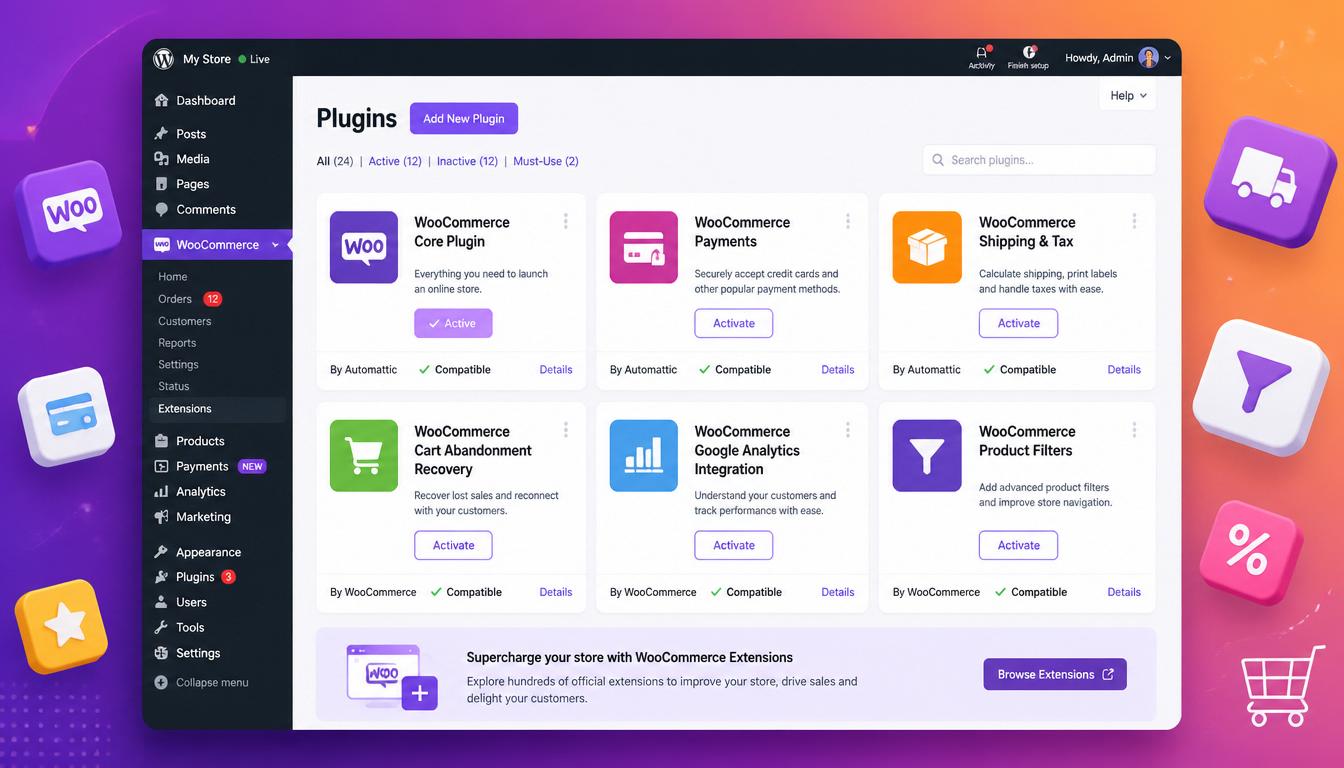
Best WooCommerce plugins 2026
Need help choosing the right plugins for your WooCommerce store?
I build and optimise WooCommerce stores every day. Let’s talk about your setup – I’ll help you pick the best plugins and avoid costly mistakes.
No obligation. Just clear, straightforward advice.
WooCommerce SEO Plugins
Rank Math Pro
Rank Math Pro is the strongest SEO plugin for WooCommerce stores in 2026. It generates product schema (price, availability, reviews, brand) automatically, handles breadcrumb schema, manages canonical URLs, and integrates directly with WooCommerce analytics. The free version covers basics; Pro adds WooCommerce-specific schema and advanced redirection management — essential if you’re changing product URLs or managing seasonal categories.
For a deeper look at why SEO still matters for e-commerce stores, see our guide on whether SEO is dead in 2026.
For advanced discount rules, bulk pricing, and promotional campaigns, see our guide to WooCommerce discount plugins.
- Cost: Free / Pro from £59/year
- Best for: Full SEO control, product schema, redirects
WooCommerce Performance Plugins
WP Rocket
WP Rocket is the gold standard for WordPress caching and performance. It has specific WooCommerce rules built in — excluding cart, checkout, and account pages from caching, handling dynamic content correctly, and preventing cached pages from showing stale basket contents. No other caching plugin handles WooCommerce edge cases as reliably.
- Cost: From £49/year
- Best for: Page caching, lazy loading, Core Web Vitals
Perfmatters
Perfmatters pairs with WP Rocket to handle script management — disabling scripts and styles on pages that don’t need them, removing query strings, disabling emojis, and managing DNS prefetch. On a WooCommerce store with multiple plugins loading JS globally, Perfmatters can meaningfully reduce page weight.
- Cost: From £24.95/year
- Best for: Script management, reducing plugin bloat impact
WooCommerce Payment Plugins
Stripe for WooCommerce
Stripe remains the best payment gateway for most UK WooCommerce stores. The official WooCommerce Stripe plugin supports card payments, Apple Pay, Google Pay, BACS, SEPA, and Buy Now Pay Later via Klarna — all in one plugin. Transaction fees are 1.4% + 20p for European cards, 2.9% + 30p for non-European, with no monthly fees.
- Cost: Free (Stripe transaction fees apply)
- Best for: Cards, Apple/Google Pay, Klarna, one-time and recurring payments
PayPal Payments
The official WooCommerce PayPal Payments plugin covers PayPal, PayPal Credit, and Pay Later buttons. Worth including alongside Stripe — a meaningful portion of UK shoppers still prefer PayPal at checkout, particularly on mobile.
- Cost: Free (PayPal transaction fees apply)
- Best for: PayPal checkout, Pay Later, guest checkout conversion
WooCommerce Marketing and Conversion Plugins
Klaviyo
Klaviyo is the leading email and SMS marketing platform for e-commerce, and its WooCommerce integration is excellent. It syncs orders, customers, and product data in real time, enabling abandoned cart sequences, post-purchase flows, win-back campaigns, and segmented newsletters based on actual purchase behaviour. If email is part of your revenue strategy, Klaviyo is the right tool.
- Cost: Free up to 250 contacts / paid from ~£15/month
- Best for: Abandoned cart, post-purchase automation, customer segmentation
YITH WooCommerce Wishlist
YITH WooCommerce Wishlist adds wishlist functionality that customers can share — a low-effort conversion tool that also provides useful data on which products generate interest without immediate purchase. Standard for any fashion, gift, or lifestyle store.
- Cost: Free / Pro from £79.99/year
- Best for: Fashion, gifts, lifestyle stores
CartFlows
CartFlows replaces the standard WooCommerce checkout with a customisable funnel — one-page checkout, upsell offers, order bumps, and A/B testing. See our guide to WooCommerce upsells and cross-sells for more on this. If checkout conversion rate is a priority, CartFlows is the most capable tool in this space for WooCommerce.
- Cost: Free / Pro from £239/year
- Best for: Checkout optimisation, upsells, order bumps
AffiliatePress
AffiliatePress is a WordPress affiliate marketing plugin that helps WooCommerce store owners grow sales through referral partnerships. It automatically tracks affiliate referrals and commissions, allowing businesses to reward partners for successful purchases. You can create custom commission rules, track coupon-based sales, provide affiliates with unique referral links and QR codes, and manage payouts through PayPal or Stripe. It also supports 26+ WordPress plugin integrations, making it useful for businesses that want to build and manage their own affiliate marketing program.
- Cost: Free version available / paid plans from $79/year (approx. £62/year)
- Best for: Affiliate marketing, referral-based sales, commission tracking, and WooCommerce store growth
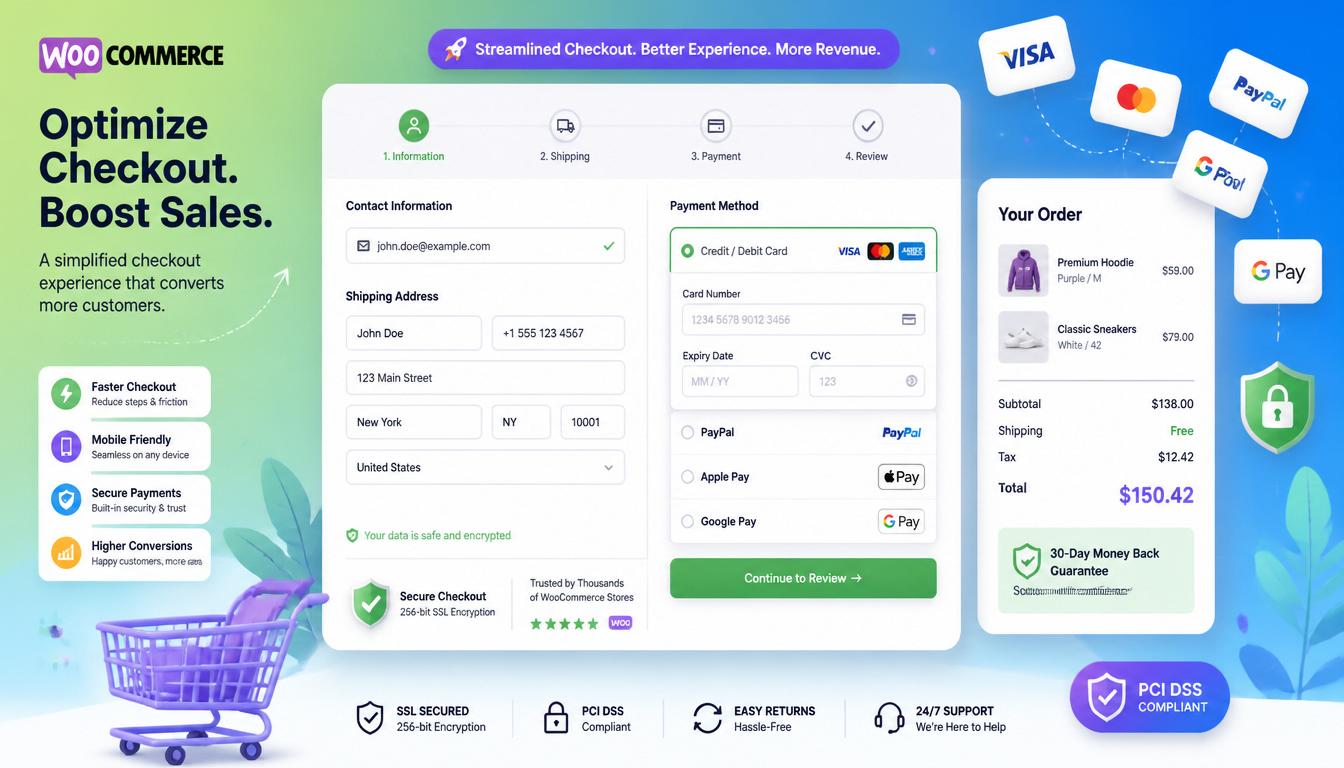
WooCommerce product and checkout optimisation
WooCommerce Shipping Plugins
WooCommerce Royal Mail / Parcelforce
For UK stores, WooCommerce Royal Mail and the equivalent Parcelforce plugin provide real-time shipping rate calculations at checkout based on weight, dimensions, and destination. Essential for stores shipping physical goods where flat-rate shipping is either too expensive for the customer or too unpredictable for the business.
- Cost: From £79/year
- Best for: UK stores shipping via Royal Mail or Parcelforce
ShipStation
ShipStation connects WooCommerce with multiple carriers (Royal Mail, DPD, Hermes, FedEx, UPS) and automates label printing, tracking emails, and returns management. For stores processing significant order volumes, ShipStation eliminates most of the manual fulfilment overhead.
- Cost: From £9/month
- Best for: Multi-carrier shipping, order volume, automated fulfilment
WooCommerce Security Plugins
Wordfence Security
Wordfence is the most widely used WordPress security plugin for good reason. It provides a web application firewall, malware scanner, brute force protection, login security, and real-time threat intelligence. For a WooCommerce store handling customer payment data and personal information, active security monitoring is non-negotiable.
- Cost: Free / Premium from £99/year
- Best for: Firewall, malware scanning, login protection
WooCommerce Reporting and Analytics Plugins
Metorik
Metorik is purpose-built WooCommerce analytics — cohort analysis, customer lifetime value, product performance, refund tracking, and automated customer segmentation. WooCommerce’s built-in reports are adequate for basic monitoring; Metorik is what you use when you actually want to understand your store’s performance.
- Cost: From £17/month
- Best for: Advanced analytics, CLV, cohort analysis, store insights
WooCommerce Product Management Plugins
WooCommerce Product Add-Ons
The official WooCommerce Product Add-Ons plugin lets customers customise products at the point of purchase — text input, checkboxes, dropdowns, file uploads, and colour swatches. Essential for any store offering personalisation, custom engraving, gift options, or configurable products.
- Cost: £54/year
- Best for: Personalised products, custom orders, configurable items
WooCommerce Subscriptions
WooCommerce Subscriptions is the definitive plugin for recurring revenue — weekly, monthly, or annual billing, free trials, sign-up fees, and subscription management for both store owner and customer. If any part of your business model involves repeat billing, this is the plugin to use.
- Cost: £199/year
- Best for: Subscription boxes, SaaS-style billing, recurring services
Quick Comparison: Essential vs Optional Plugins
| Plugin | Category | Essential? | Cost |
|---|---|---|---|
| Rank Math Pro | SEO | ✅ Yes | From £59/year |
| WP Rocket | Performance | ✅ Yes | From £49/year |
| Stripe for WooCommerce | Payments | ✅ Yes | Free |
| Wordfence | Security | ✅ Yes | Free / £99/year |
| ShortPixel / Imagify | Performance | ✅ Yes | From £10/year |
| Klaviyo | Email marketing | Recommended | From £15/month |
| Perfmatters | Performance | Recommended | From £24.95/year |
| CartFlows | Conversion | Optional | Free / £239/year |
| AffiliatePress | Affiliate marketing | Optional | Free / $79/year (approx. £62/year) |
| Metorik | Analytics | Optional | From £17/month |
| WooCommerce Subscriptions | Recurring revenue | If applicable | £199/year |
| ShipStation | Shipping | If applicable | From £9/month |
Pro Tip: Every plugin you install adds overhead — even inactive ones. Start with the essentials (SEO, caching, security, payment) and add others only when you have a specific problem they solve. A store running 8 well-chosen plugins will outperform one running 25 mediocre ones every time. For WP Rocket specifically, always explicitly add /cart/, /checkout/, and /my-account/ to the ‘Never Cache Cookies’ and ‘Never Cache URLs’ sections to prevent stale cart fragments.
How to Choose WooCommerce Plugins: What to Look For
Before installing any plugin, check:
- Last updated date — avoid anything not updated in the past 6 months
- WordPress and WooCommerce compatibility — must be compatible with your current versions
- Active installations and reviews — 1,000+ active installs and 4+ star rating is a reasonable baseline
- Support responsiveness — check the support forum for how the developer responds to issues
- Performance impact — use Query Monitor to check database queries added by the plugin
If you need help selecting, configuring, or auditing the plugin stack for your WooCommerce store, get in touch — a poorly chosen plugin combination is one of the most common causes of slow, unreliable WooCommerce installations.
Already running WooCommerce? Let’s take it to the next level.
From performance tuning to plugin audits – I handle the technical side so you can focus on sales.
No obligation. Just clear, straightforward advice.
Frequently Asked Questions
How many plugins should a WooCommerce store have?
There’s no magic number, but quality matters more than quantity. A well-configured store with 10–15 focused plugins will perform better than one with 40 overlapping or redundant ones. Every plugin adds database queries and potentially JavaScript — both of which affect page speed and Core Web Vitals scores.
Are free WooCommerce plugins reliable?
Many of the best WooCommerce plugins have strong free versions — Rank Math, Wordfence, Stripe, and PayPal Payments are all free (or have fully functional free tiers) and are among the most reliable in their categories. Free doesn’t mean low quality; it means checking the update history and support forum before installing.
What’s the most important WooCommerce plugin?
After a payment gateway, a caching plugin like WP Rocket is arguably the most impactful. A slow checkout kills conversions regardless of how good everything else is. Core Web Vitals now influence Google rankings, so page speed affects both UX and organic visibility.
Do I need a booking plugin for WooCommerce?
If your store sells appointments, rentals, or time-based services, yes. See our dedicated guide on WordPress booking plugins for a full comparison of the best options.
Can I build a WooCommerce store without plugins beyond the core?
Technically yes — WooCommerce core handles basic product, cart, checkout, and order management without any additional plugins. In practice, you’ll need at least a payment gateway plugin, an SEO plugin, and a caching plugin to run a store that performs well and gets found.
Plugins extend what WooCommerce can do — but every plugin is also a potential attack surface. Our complete WooCommerce guide covers the full stack, and if you want to make sure your setup is properly locked down, start with our WooCommerce security checklist. Even the best plugins will struggle on underpowered hosting. If you run a WooCommerce store, our guide to choosing WordPress hosting in the UK explains what to look for, from object caching to staging environments.

With over two decades of web design and development expertise, I craft bespoke WordPress solutions at FallingBrick, delivering visually striking, high-performing websites optimised for user experience and SEO.