Why Use WordPress?
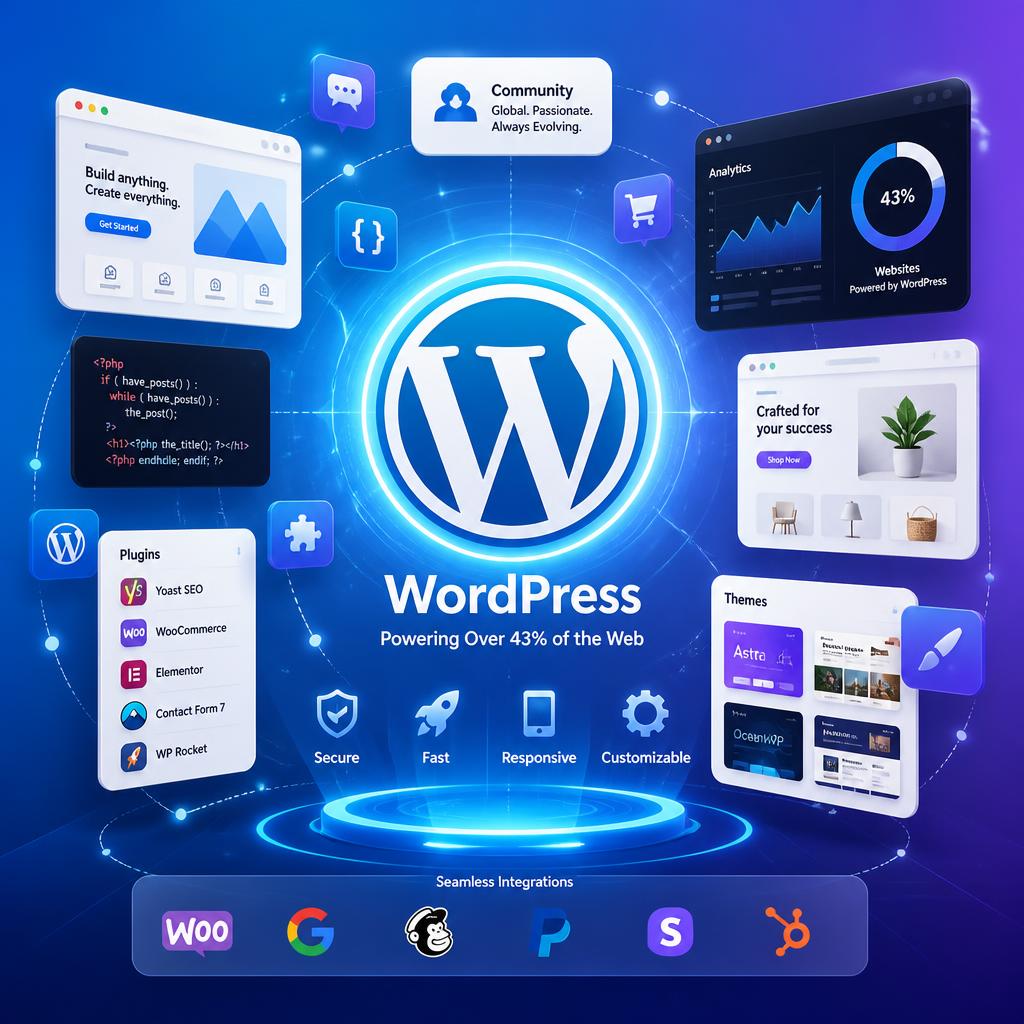
WordPress powers 43.4% of all websites on the internet as of 2025. Not just CMS-powered sites — all websites. That’s an extraordinary statistic for a platform that started life as a blogging tool in 2003. But market share alone doesn’t explain why developers, freelancers, agencies, and enterprises keep choosing WordPress over a growing list of alternatives. This guide breaks down the real reasons why WordPress remains the best CMS choice in 2026.
Key Takeaways:
- WordPress powers 43.4% of the web, holding a massive 62.8% CMS market share.
- It is 100% free, open-source, and gives you complete ownership of your data without vendor lock-in.
- Over 60,000 plugins allow you to add almost any functionality without custom coding.
- Performance and security are highly manageable with the right hosting and maintenance setup.
Why use WordPress in 2026 – a modern CMS dominating the web
When nearly half the web runs on a single platform, there’s usually a good reason. Here’s how WordPress compares to its main competitors:
| Platform | Market Share | Best For |
|---|---|---|
| WordPress | 43.4% | All site types — blogs to enterprise |
| Shopify | 6.5% | E-commerce only |
| Wix | 5.2% | Simple drag-and-drop sites |
| Squarespace | 3.3% | Design-led portfolio sites |
WordPress’s CMS market share sits at 62.8% — nearly ten times larger than Shopify. These aren’t just vanity numbers. They represent decades of trust built by millions of developers, businesses, and organisations who have tested the alternatives and come back.
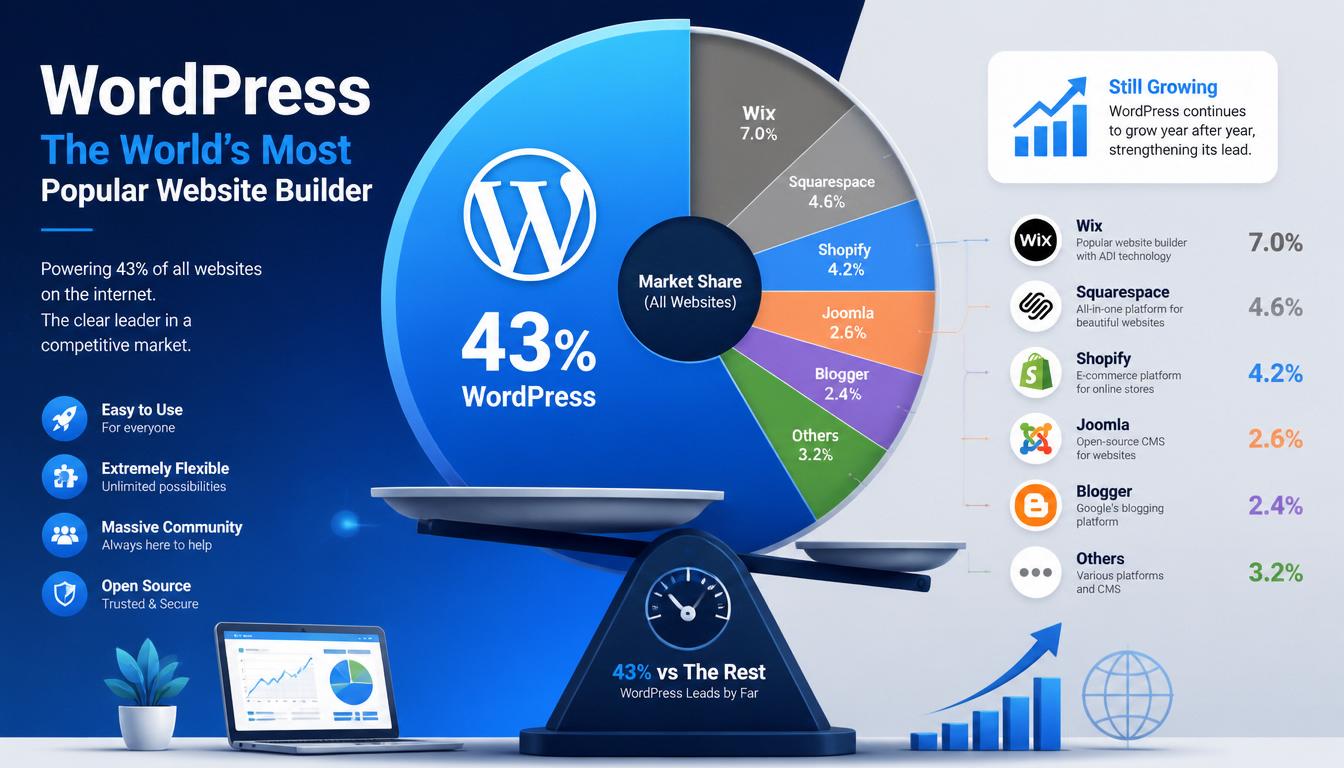
WordPress market share 2026 compared to Shopify, Wix and Squarespace
10 Reasons to Use WordPress in 2026
1. It’s Free and Open Source
WordPress is free to download, use, and modify. There are no licensing fees, no monthly subscriptions for core functionality, and no vendor lock-in. Your content, your code, and your data belong to you completely.
The open-source model also means WordPress benefits from thousands of developers contributing improvements, security patches, and new features continuously. When a vulnerability is discovered, it’s typically patched within hours rather than weeks. This transparency is a genuine security advantage over closed proprietary platforms.
2. The Plugin Ecosystem Is Unmatched
With over 60,000 plugins in the official WordPress directory alone — plus thousands more from third-party developers — there’s a solution for almost every functionality requirement without writing custom code.
A practical breakdown of what’s available:
- SEO: Rank Math, Yoast SEO
- Performance: WP Rocket, W3 Total Cache
- Security: Wordfence, Sucuri
- Backups: UpdraftPlus
- E-commerce: WooCommerce
- Image optimisation: ShortPixel, Smush
- Forms: Contact Form 7, Gravity Forms
- Page builders: Bricks Builder, Elementor
The key advantage is modularity: install only what you need, swap plugins as requirements change, and keep sites lean.
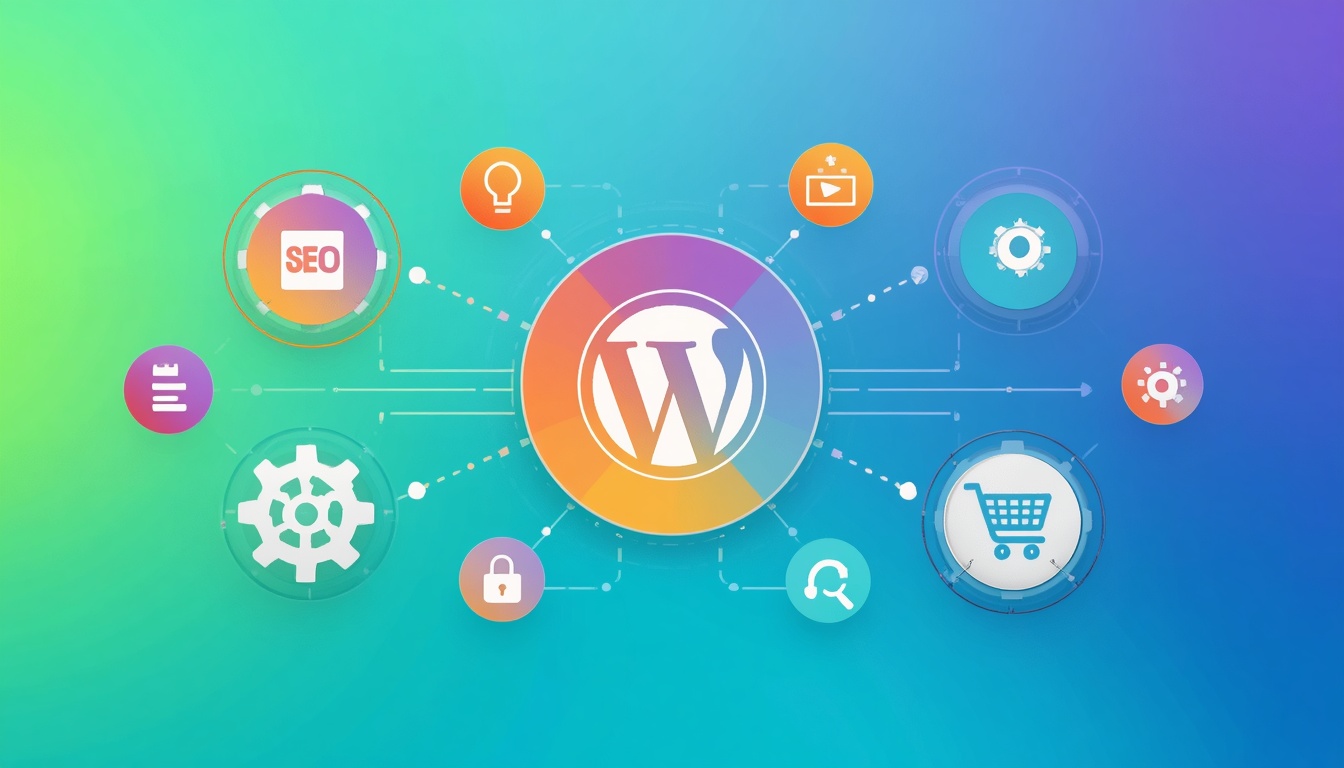
WordPress plugin ecosystem with 60000+ plugins for SEO, security, and performance
3. SEO-Friendly by Design
WordPress generates clean, semantic HTML that search engines understand well. Out of the box, it handles many SEO fundamentals automatically: readable URL structures, built-in XML sitemaps (since WordPress 5.5), and mobile-responsive themes that satisfy Google’s mobile-first indexing.
With a plugin like Rank Math on top, you also get schema markup, breadcrumb control, meta management, and content analysis — tools that used to require expensive SEO specialists.
4. Design Freedom Without Limits
WordPress themes are starting points, not cages. Whether you’re building a minimal portfolio, a feature-heavy e-commerce store, or a complex membership site, the platform adapts to the vision rather than forcing everything into a template.
Modern page builders like Bricks Builder and Elementor give designers pixel-level control without needing to write CSS for every change. The result: completely custom designs built on a rock-solid foundation.
5. WooCommerce Makes E-Commerce Accessible
WooCommerce powers around a third of all online stores worldwide. It handles everything from simple product listings to complex inventory management, and it integrates with Stripe, PayPal, and most major payment gateways.
The cost comparison with alternatives is significant. A basic WooCommerce store costs nothing beyond hosting, while Shopify’s equivalent functionality — once you add the necessary apps — can easily exceed £150–200 per month. For startups and small businesses operating on tight margins, that difference matters.
6. Performance Is a Configuration Problem, Not a WordPress Problem
The common criticism that WordPress is slow is a hosting and setup problem, not a platform problem. A poorly configured WordPress site on cheap shared hosting will be slow. So will any other website in the same environment.
With quality managed hosting, proper image optimisation, and caching, WordPress sites routinely load in under two seconds. Here’s a real-world comparison from two identical sites:
| Setup | Load Time | Page Size |
|---|---|---|
| Basic shared hosting, no optimisation | 8.2 seconds | 3.2 MB |
| Managed hosting + caching + compressed images | 1.8 seconds | 0.9 MB |
Same content, same design. The difference is in the configuration.

WordPress performance optimisation – from 8.2 seconds to 1.8 seconds load time
7. Easy Content Management for Non-Technical Users
The Gutenberg block editor transformed WordPress content creation from a technical task into something most people can manage after a single training session. Text, images, galleries, videos, columns, and custom blocks can be arranged visually without touching code.
For clients who need to update their own websites — adding a new team member, posting a blog article, changing opening hours — WordPress strikes the right balance between simplicity and capability. Most clients are self-sufficient within a week of handover.
8. Scalability From Blog to Enterprise
WordPress started as a blogging platform and now powers enterprise-level websites for organisations, including TechCrunch, major news publishers, and government departments. The platform scales because the architecture is sound: well-optimised database queries, REST API support for headless implementations, and hosting infrastructure that grows with traffic demands.
A site built on WordPress doesn’t need to be rebuilt when the business grows. It needs better hosting and possibly a few additional plugins.
9. Security Is Manageable With the Right Approach
WordPress’s popularity makes it a target for automated attacks — that’s simply the reality of powering 43% of the web. But the platform’s security record, when properly maintained, is strong. WordPress core receives patches quickly, often within hours of a vulnerability being identified.
The fundamentals of a secure WordPress site:
- Keep WordPress core, themes, and plugins updated
- Use strong passwords and two-factor authentication
- Install a security plugin like Wordfence
- Run automated backups to off-site storage via UpdraftPlus
- Limit login attempts and restrict admin access by IP, where practical
A maintained WordPress site is not an inherently risky site.
10. A Community That Solves Problems
The WordPress community is one of the largest in web development. Local WordPress Meetup groups, annual WordCamps, the support forums, and an enormous body of documentation mean that almost any problem you encounter has already been solved and written up somewhere.
For businesses, this translates into a large pool of developers to choose from, competitive pricing for support and customisation, and confidence that the platform will be maintained and improved for years to come.
When WordPress Might Not Be the Right Choice
WordPress is not always the answer. For a simple single-page brochure site with no content updates planned, a static site generator may be faster and cheaper to host. For a very large enterprise with complex custom workflows, a headless CMS or purpose-built system might be more appropriate. And for anyone who genuinely never wants to think about hosting, updates, or plugins, a fully managed platform like Squarespace removes that overhead.
Understanding the trade-offs is part of choosing the right tool for each project.
WordPress vs. the Main Alternatives in 2026
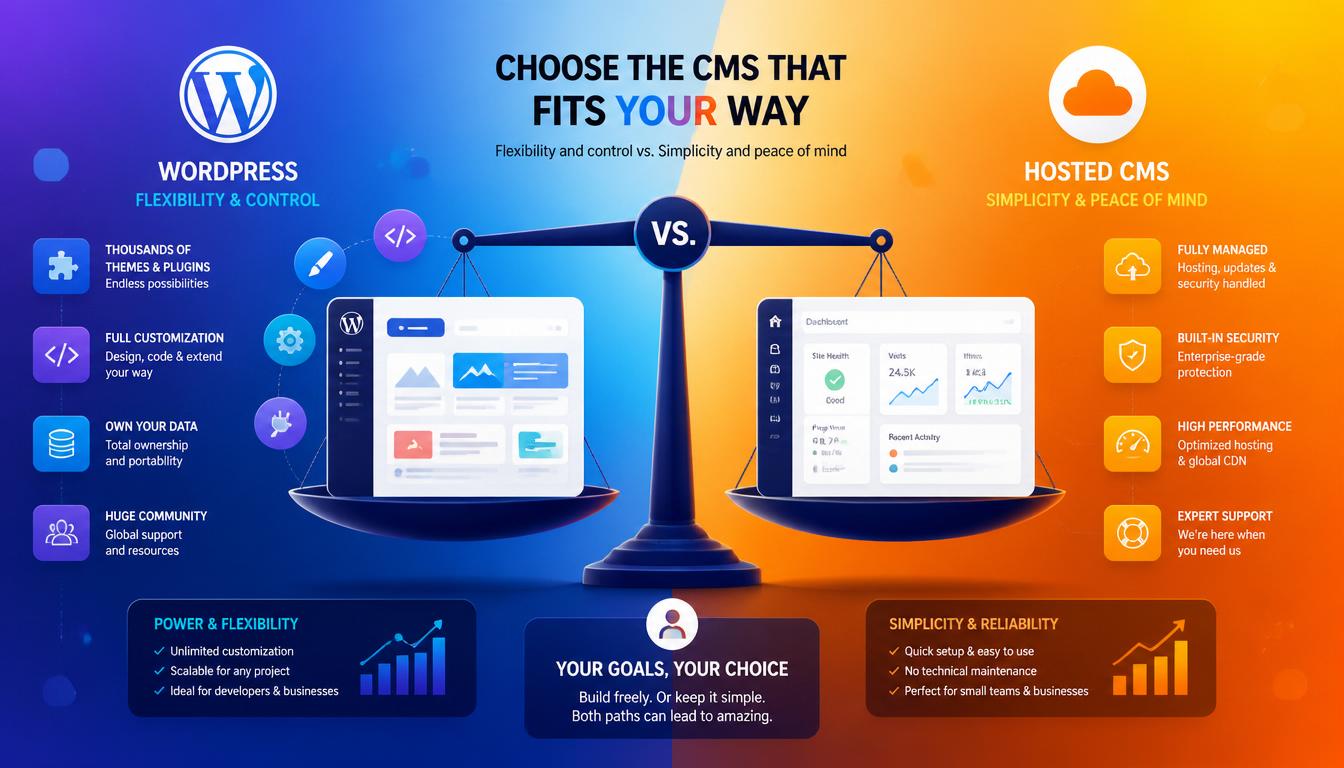
WordPress vs Wix vs Squarespace vs Shopify comparison for 2026 website building
WordPress vs. Wix
Wix is easier to get started with, but limits customisation significantly at scale. You cannot export your site, which creates vendor lock-in. WordPress requires more initial setup but offers complete ownership of your content and code.
WordPress vs. Squarespace
Squarespace produces polished designs quickly and handles hosting, updates, and security automatically. The trade-off is limited extensibility — you’re constrained to what Squarespace’s ecosystem provides. WordPress gives you far more control at the cost of more responsibility.
WordPress vs. Shopify
Shopify is purpose-built for e-commerce and is easier to set up for pure retail. WooCommerce on WordPress is more flexible and significantly cheaper at scale, but requires more configuration. For stores with complex product catalogues, membership components, or content marketing as a key channel, WooCommerce typically wins.
Getting Started With WordPress
The fastest route to a well-built WordPress site is working with someone who knows the platform properly. A developer who understands hosting environments, plugin selection, performance optimisation, and security configuration will save you significant time and future headaches.
A crucial note on hosting: Since performance is heavily tied to your server, shared hosting is rarely sufficient if performance matters. For a solid foundation in 2026, look into managed cloud providers like Cloudways, Kinsta, or Rocket.net. They handle server-level caching, automatic backups, and security hardening out of the box — which instantly puts the “WordPress is slow” myth to rest.
If you’re considering a new WordPress website — or want to improve an existing one — get in touch for a free consultation. Whether it’s a WordPress development project from scratch or a maintenance and performance package for an existing site, the right setup makes all the difference.
Choosing WordPress is only the first step — getting the most from it depends on how the site is planned, designed and built. If you’re looking for help with a bespoke WordPress website, I work with businesses across South London, including Brixton.
Frequently Asked Questions
Is WordPress still worth learning in 2026?
Yes. WordPress powers 43% of the web, the job market for WordPress developers remains strong, and the platform continues to evolve with full site editing, improved performance, and headless capabilities. It’s one of the most practical skills a web developer can have.
Is WordPress free to use?
The WordPress software itself is completely free. You will need to pay for hosting (typically £3–30 per month, depending on the provider and plan) and optionally for premium themes or plugins. There are no mandatory licensing fees.
Is WordPress good for SEO?
WordPress is one of the strongest platforms for SEO. It generates clean HTML, supports semantic markup, handles sitemaps automatically, and works with dedicated SEO plugins like Rank Math that give you granular control over titles, meta descriptions, schema, and content analysis.
How secure is WordPress?
A properly maintained WordPress site is secure. The risks come from outdated software, weak passwords, poorly coded plugins, and inadequate hosting — not from the core platform. Following basic security hygiene removes the vast majority of risk.
Can WordPress handle large websites?
Yes. WordPress scales effectively with the right hosting infrastructure. High-traffic media sites, enterprise e-commerce stores, and large membership platforms all run on WordPress. Performance at scale is a hosting and architecture question more than a WordPress limitation.
WordPress is only as fast and reliable as the server it runs on. Our guide to choosing WordPress hosting in the UK explains the main hosting types, what they cost, and what to check before you sign up.

With over two decades of web design and development expertise, I craft bespoke WordPress solutions at FallingBrick, delivering visually striking, high-performing websites optimised for user experience and SEO.