WooCommerce includes a basic coupon system out of the box — percentage discounts, fixed cart discounts, and free shipping coupons. For most small stores, that’s enough to get started. But as soon as you want bulk pricing, tiered discounts, BOGO offers, automatic promotions, or role-based pricing, you need a dedicated discount plugin.
This guide covers WooCommerce’s built-in discount tools, their limitations, and the best plugins to fill the gaps — with honest assessments of cost, complexity, and which type of store each suits best.
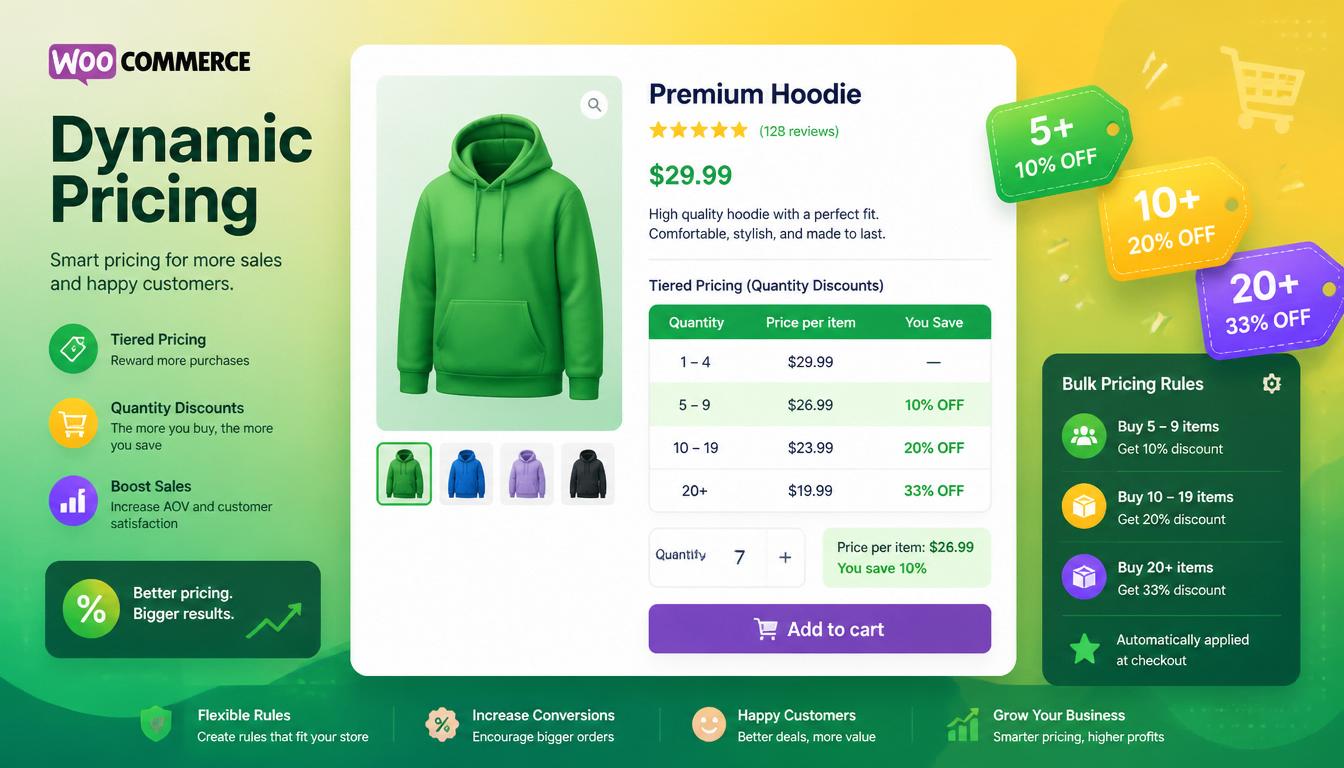
Best WooCommerce discount plugins 2026
Need help choosing the right discount plugin for your WooCommerce store?
I build and optimise WooCommerce sites every day. Let’s talk about your store – I’ll help you pick the best setup and avoid costly mistakes.
No obligation. Just clear, straightforward advice.
WooCommerce’s Built-In Coupon System
Before reaching for a plugin, it’s worth understanding what WooCommerce already does natively under Marketing → Coupons.
Built-In Coupon Types
| Coupon Type | How It Works | Example |
|---|---|---|
| Percentage discount | Reduces cart total by a percentage | SUMMER20 — 20% off everything |
| Fixed cart discount | Removes a fixed amount from the cart total | SAVE10 — £10 off orders over £50 |
| Fixed product discount | Removes a fixed amount from specific products | £5 off a specific item |
| Free shipping | Waives shipping cost when coupon applied | FREESHIP — free delivery |
Built-In Coupon Restrictions
Each coupon can be restricted by minimum/maximum spend, specific products or categories, user email, and usage limits (per coupon and per customer). You can also combine coupons or prevent combination with other offers.
What WooCommerce Coupons Can’t Do
The native system has clear limits:
- No automatic discounts — customers must enter a code
- No bulk pricing or quantity-based discounts
- No BOGO (Buy One Get One) offers
- No tiered pricing (e.g. 5% off for 5 items, 10% off for 10+)
- No role-based pricing (trade vs retail)
- No scheduled promotions that activate automatically
- No cart-level dynamic rules (“spend £100, get 15% off”)
If any of those are on your list, you need a plugin.
The Best WooCommerce Discount Plugins
1. Advanced Coupons for WooCommerce
Advanced Coupons is the most popular dedicated coupon extension for WooCommerce, with over 20,000 active installs. It extends WooCommerce’s native coupon system rather than replacing it — so existing coupons continue to work.
Key features:
- BOGO deals — buy X get Y free or discounted
- Auto-apply coupons — discounts applied automatically when cart conditions are met, no code required
- Cart conditions — complex rules like “cart contains product X AND total exceeds £Y”
- Scheduled coupons — activate and deactivate automatically on set dates
- URL coupons — share a link that automatically applies a coupon
- Loyalty programme (Premium) — points earned per purchase, redeemable for discounts
- Cost: Free version available / Premium from £59.50/year
- Best for: Stores that want to extend WooCommerce coupons without a full pricing overhaul
2. WooCommerce Dynamic Pricing and Discounts
The official WooCommerce Dynamic Pricing extension handles bulk and tiered pricing at the product, category, and role level. It’s the right tool when pricing rules are complex and need to apply automatically based on quantity, user role, or purchase history — without requiring customers to enter a code.
Key features:
- Quantity-based pricing — buy 1–4 at £20, 5–9 at £18, 10+ at £15
- Category-wide pricing rules
- Role-based pricing — different prices for trade, wholesale, and retail customers
- Purchase history rules — discounts for customers who’ve spent over a certain amount lifetime
- Table display of pricing tiers on product pages
- Cost: £99/year
- Best for: B2B stores, wholesale, trade pricing, quantity-break discounts
3. YITH WooCommerce Dynamic Pricing and Discounts
YITH Dynamic Pricing covers similar ground to the official WooCommerce extension but with a different interface and pricing structure. It handles percentage and fixed discounts, quantity rules, BOGO offers, and category-level promotions — all via a visual rule builder that’s arguably easier to navigate than the official plugin.
- Cost: Free version available / Pro from £89.99/year
- Best for: Stores wanting visual rule management, BOGO, and tiered pricing in one plugin
4. Discount Rules for WooCommerce — by Flycart
Discount Rules for WooCommerce by Flycart is one of the most flexible discount plugins available, with a generous free version that includes bulk pricing and cart discounts. The Pro version adds user role pricing, purchase history conditions, and BOGO deals.
Key features:
- Bulk pricing and quantity discounts
- Automatic cart discounts — no coupon code required
- Product, category, and tag-level rules
- Date and time scheduling for promotions
- Discount table display on product pages
- Stacking rules — multiple discounts applied in sequence
- Cost: Free / Pro from £59/year
- Best for: Stores wanting a capable free option with room to grow into Pro features
5. WooCommerce Role Based Pricing
If your primary need is different prices for different customer types — trade accounts, wholesale buyers, VIP customers, staff — WooCommerce Role Based Pricing handles this cleanly. Assign WordPress user roles to customer groups and set price rules per role, either as fixed prices or percentage adjustments from the standard retail price.
- Cost: £79/year
- Best for: B2B, trade portals, wholesale with mixed retail/trade customer base
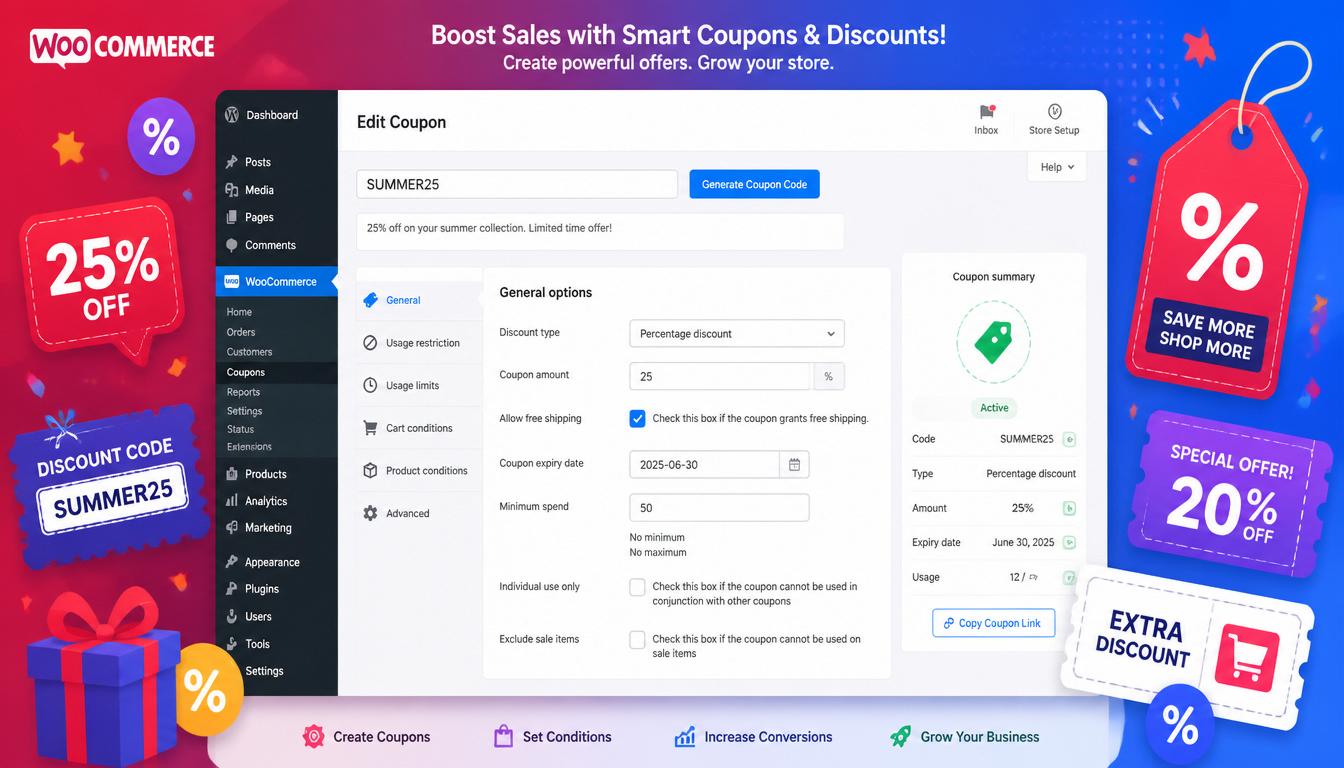
WooCommerce discount rules and bulk pricing
Choosing the Right Plugin: A Decision Framework
| Your Need | Recommended Plugin |
|---|---|
| Better coupon management (BOGO, auto-apply, URL coupons) | Advanced Coupons |
| Quantity breaks and tiered pricing | Discount Rules (Flycart) or WooCommerce Dynamic Pricing |
| Trade / wholesale / role-based pricing | WooCommerce Role Based Pricing or Dynamic Pricing |
| BOGO offers and automatic cart promotions | YITH Dynamic Pricing or Advanced Coupons |
| Everything in one plugin, budget-conscious | Discount Rules by Flycart (free tier is strong) |
| Post-purchase upsell discounts | CartFlows Pro |
If you’re unsure which plugin fits your store best, I can help you decide – let’s talk about your e-commerce setup and I’ll recommend the right solution for your business.
How to Create Discount Rules That Actually Work
A discount strategy is only as good as its execution. A few principles that separate effective promotions from margin-destroying ones. For context on how discounts fit into a broader WooCommerce SEO strategy:
Set a Minimum Order Threshold
Any cart-level discount (10% off, £10 off) should have a minimum spend requirement that ensures you’re still making a profit after the discount. If your average order is £45 and you offer 10% off orders over £50, you’re incentivising customers to spend more while protecting your margins on smaller orders.
Use Quantity Breaks to Increase AOV
Tiered pricing is one of the cleanest ways to increase average order value — customers can see they’ll save money by buying more, and the discount cost is offset by the larger order. Display the pricing table prominently on the product page (most plugins support this natively) so the incentive is visible before the customer makes a decision.
Schedule Promotions in Advance
Manually activating and deactivating discounts is error-prone — promotions get left running, or forgotten to launch. Use scheduled coupons (Advanced Coupons or Discount Rules) to set exact start and end times. This is particularly important for Black Friday, seasonal sales, and flash promotions.
Don’t Train Customers to Wait for Discounts
Running permanent or near-permanent discount codes undermines full-price sales. If your site always has a 20% off code available, customers learn to never pay full price. Reserve automatic discounts for specific triggers (first purchase, loyalty reward, abandoned cart) rather than making them always-on.
Pro Tip: Before installing a discount plugin, map out exactly what pricing rules you need. A clear list of “Rule: buy 5+ of any product in category X, get 10% off” written down before you touch the admin prevents you from building overlapping, conflicting rules that produce unexpected discounts at checkout — one of the most common and costly WooCommerce configuration mistakes.
WooCommerce Discount Plugins and Performance
Discount plugins that evaluate complex rules on every cart update can add database queries and slow down the checkout experience. This is particularly noticeable on shared hosting or sites without proper caching.
To mitigate this:
- Keep rules as simple as possible — a single well-designed rule is faster than five overlapping ones achieving the same outcome.
- Performance Warning: Complex pricing rules evaluated on every AJAX cart update can add 200–500ms to checkout response time. Use Query Monitor to check the
woocommerce_checkout_processhook for slow database queries after installation. - Use WP Rocket with cart and checkout pages excluded from caching (WP Rocket does this automatically for WooCommerce).
- Avoid running multiple discount plugins simultaneously; pick one that covers your needs rather than layering several — and see our WooCommerce setup guide if you are starting from scratch.
- Subscriptions Note: If you use WooCommerce Subscriptions, verify that the discount plugin explicitly supports recurring renewal orders, as some free tier plugins only apply discounts to the initial purchase.
For the full WooCommerce performance stack, see our guide on the best WooCommerce plugins.
Already running WooCommerce? Let’s take it to the next level.
From performance tuning to custom discount rules – I handle the technical side so you can focus on sales.
No obligation. Just clear, straightforward advice.
Frequently Asked Questions
Does WooCommerce have bulk pricing built in?
No — WooCommerce’s native coupon system doesn’t support quantity-based or tiered pricing. You need a plugin for bulk discounts. Discount Rules by Flycart has a capable free tier that handles basic quantity breaks; WooCommerce Dynamic Pricing is the official extension for more complex scenarios.
How do I create a BOGO offer in WooCommerce?
WooCommerce doesn’t support Buy One Get One natively. Advanced Coupons, YITH Dynamic Pricing, and Discount Rules by Flycart all implement BOGO deals. The typical setup is a rule that adds a free or discounted product to the cart automatically when a qualifying product is present — no code required by the customer.
Can I offer different prices to trade and retail customers in WooCommerce?
Yes, with a role-based pricing plugin. Assign trade customers to a specific WordPress user role, then set pricing rules that apply to that role — either fixed prices per product or a percentage reduction from the standard retail price. WooCommerce Role Based Pricing and WooCommerce Dynamic Pricing both handle this well.
How do I automatically apply a discount without a coupon code?
Use Advanced Coupons (auto-apply feature) or Discount Rules by Flycart (automatic cart rules). Both allow you to define conditions — cart total, product, category, user role, date — and apply the discount automatically when those conditions are met, without the customer needing to enter anything.
Can I schedule WooCommerce discounts to run automatically?
Yes — Advanced Coupons and Discount Rules by Flycart both support scheduled promotions with start and end dates and times. This is the right approach for Black Friday, seasonal sales, and any time-limited promotion where you don’t want to manually activate and deactivate rules.
Do discount plugins slow down WooCommerce?
Complex pricing rules evaluated on every cart update do add some overhead. The impact is minimal on managed hosting with caching configured correctly, but can be noticeable on shared hosting. Keep rules as simple as possible, avoid running multiple discount plugins simultaneously, and test checkout performance with Query Monitor after any new plugin is installed.
Promotions work best inside a broader store strategy. Our complete WooCommerce guide covers upsells, SEO, security and maintenance too.

With over two decades of web design and development expertise, I craft bespoke WordPress solutions at FallingBrick, delivering visually striking, high-performing websites optimised for user experience and SEO.