
For most of the 2010s, jQuery was the default answer to almost any front-end question. Need to animate something? jQuery. Need to make an AJAX request? jQuery. Need a modal, a slider, a date picker? There was a jQuery plugin for it.
In 2026, the picture is more complicated. jQuery still powers a significant portion of the web — it’s bundled into WordPress core, embedded in legacy codebases everywhere, and its plugin ecosystem remains vast. But modern browsers have closed the gap considerably. Many things that once required jQuery now have native JavaScript equivalents that are faster, require no dependency, and work consistently across all current browsers.
This guide covers both the JavaScript libraries and plugins that are still worth knowing, and where native browser APIs have made older approaches obsolete. Whether you’re working on a fresh build or maintaining a WordPress site, understanding this landscape will help you make better decisions about what to reach for.
Is jQuery still relevant in 2026?
Yes — but with caveats. jQuery remains one of the most widely deployed JavaScript libraries on the web, and if you’re working in WordPress development, you’ll encounter it constantly. The wp_enqueue_script system includes jQuery as a registered dependency, and thousands of plugins rely on it.
For new standalone projects, the case for including jQuery is much weaker. Modern JavaScript handles DOM manipulation, event delegation, fetch requests, and class toggling natively — without the overhead of loading an external library. The question isn’t whether jQuery works; it’s whether you need it. For most new builds in 2026, you don’t.
That said, the jQuery plugin ecosystem still contains genuinely useful tools that have no native equivalent and no better alternative. Some of those are included below.
Animation and scroll effects
GSAP (GreenSock Animation Platform)
The gold standard for web animation. GSAP handles CSS properties, SVG, canvas, and scroll-driven animations with exceptional performance and browser consistency. Its ScrollTrigger plugin makes scroll-linked animations straightforward to implement without the performance pitfalls of scroll event listeners. Used by major agencies and production sites worldwide. Free for most use cases; a paid Club GSAP licence unlocks additional plugins.
AOS (Animate on Scroll)
A lightweight library for adding scroll-triggered animations via data attributes — no JavaScript configuration required. You add data-aos=”fade-up” to an element and it animates when scrolled into view. Enormously popular on landing pages and marketing sites. Stable and well-maintained, with no modern alternative matching its simplicity for attribute-driven scroll animations.

Layout and UI
Masonry
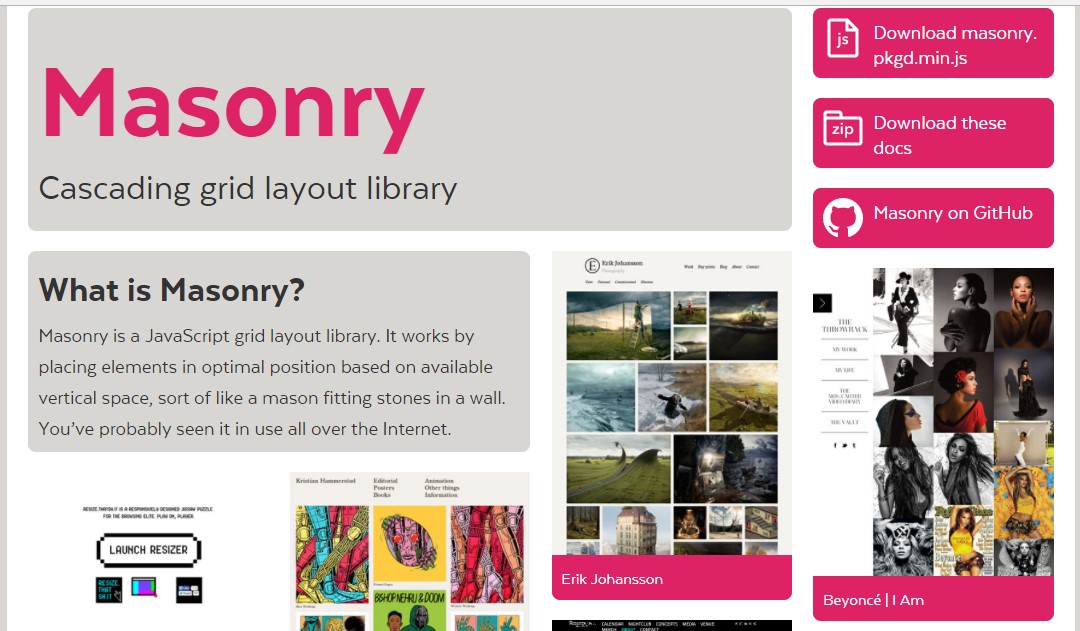
Creates Pinterest-style grid layouts where items of varying heights pack together without gaps. CSS Grid cannot replicate this layout pattern natively in 2026 — a CSS masonry specification exists but is only supported in Firefox behind a flag. Masonry has been jQuery-free since version 4 and remains the most reliable option for this layout type. Useful for portfolio grids, image galleries, and blog card layouts.
Select2
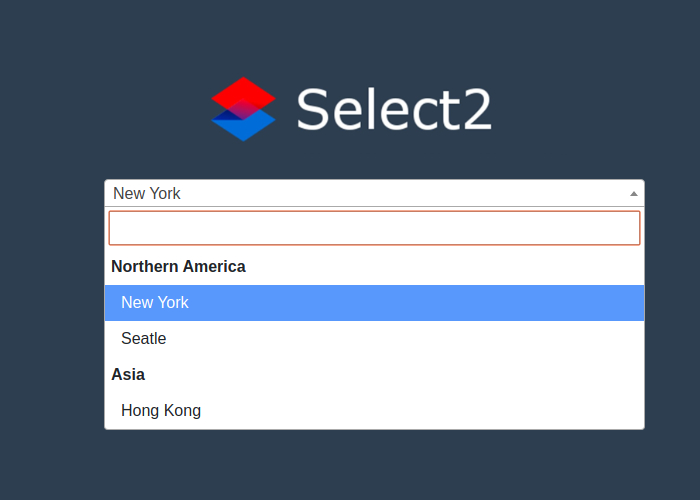
Replaces standard HTML select elements with searchable, taggable, AJAX-powered dropdowns. The native select element remains one of the least customisable form components in HTML — Select2 solves this comprehensively. Used extensively in WordPress admin panels and complex forms. Requires jQuery, which is fine in a WordPress context where jQuery is already loaded.
Flatpickr
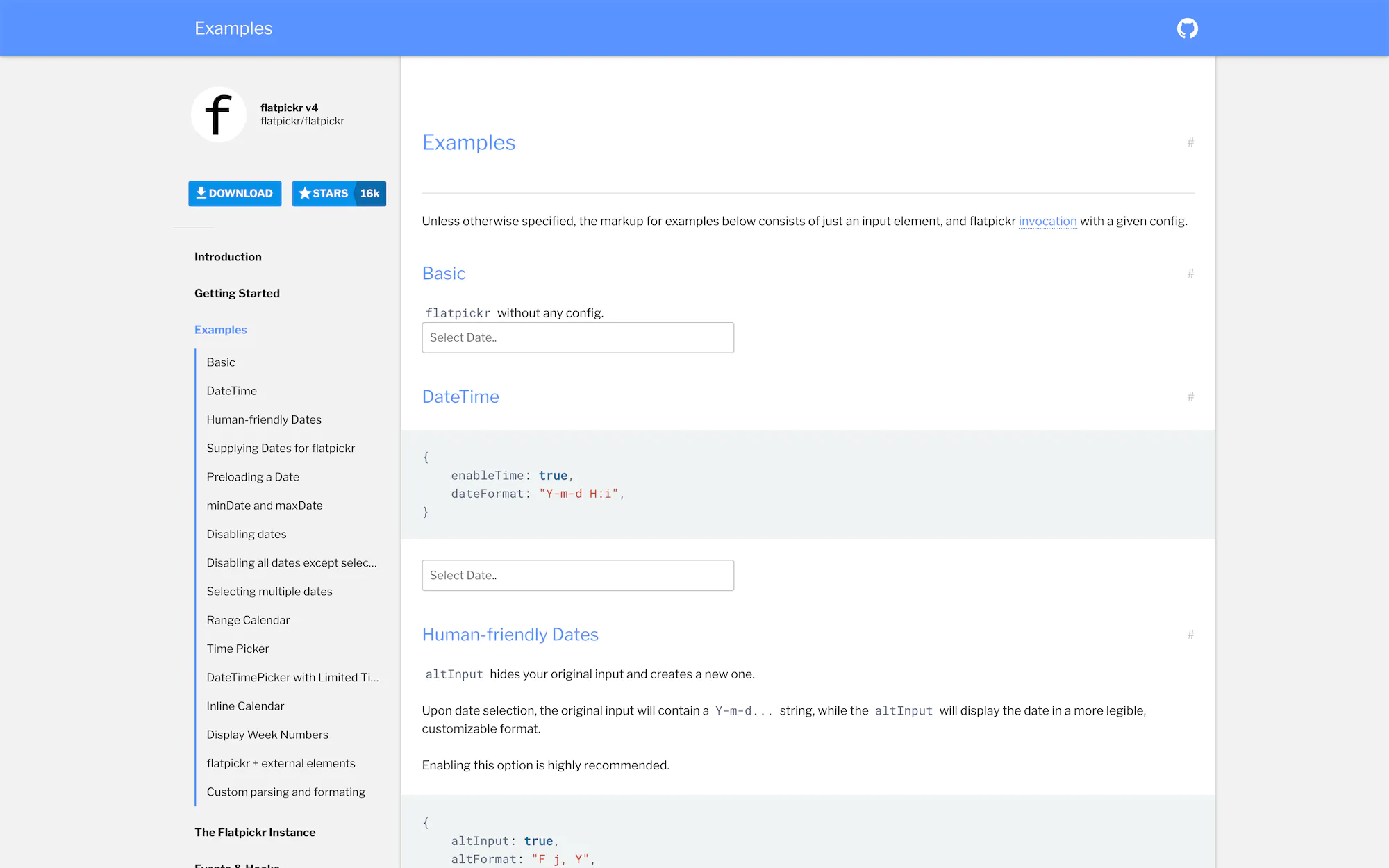
A lightweight, zero-dependency date and time picker. The native browser date input is inconsistent across browsers and completely unstylable. Flatpickr provides a consistent, accessible, fully customisable alternative. At around 16KB minified, it adds minimal overhead and integrates cleanly with any framework or vanilla JavaScript project.
Lightboxes and modals
Lightboxes and modal windows are one area where plugins still earn their place. The native HTML dialog element has improved but still requires manual implementation of accessibility features, focus trapping, and animations that dedicated plugins handle automatically.
Magnific Popup
A responsive, accessible lightbox for images, inline content, iframes, and AJAX content. It has been around since 2013 but remains one of the most solid, well-tested options available. Stable and widely used in WordPress themes. For new projects without jQuery, GLightbox is a comparable vanilla JS alternative.

GLightbox
A pure JavaScript lightbox with touch support, video support, and a clean API. The modern equivalent of Magnific Popup for projects without jQuery. Handles images, videos (YouTube, Vimeo, local), inline HTML, and iframes. Actively maintained with a small footprint.

Tables and data display
DataTables
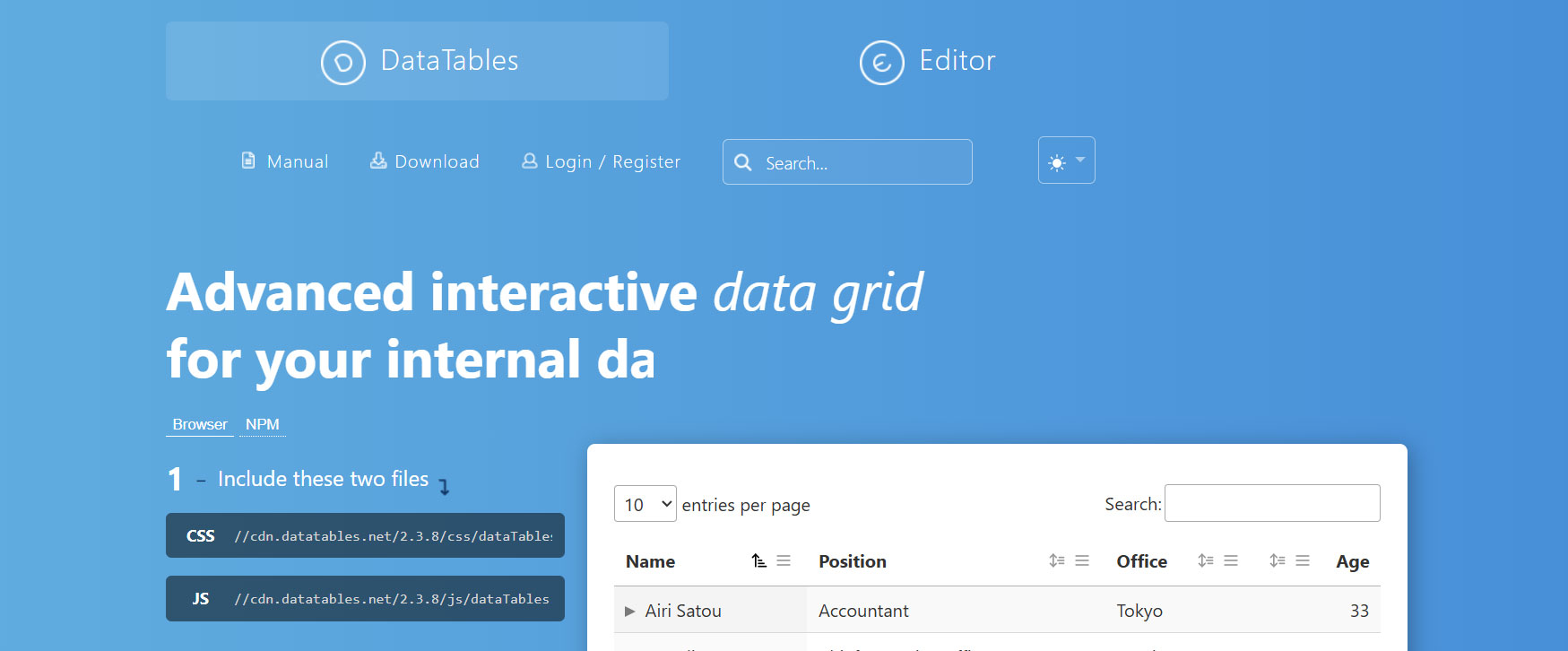
Transforms standard HTML tables into sortable, searchable, paginated data grids with a single line of JavaScript. Nothing else on the market offers the same combination of ease of implementation and depth of features. Widely used in admin panels, reporting dashboards, and any interface displaying tabular data interactively. Requires jQuery, but the trade-off is worth it for the functionality delivered.
Sliders and carousels
Sliders are one area where it’s worth pausing before implementing. From a UX and conversion perspective, auto-playing carousels are generally a poor choice — users rarely interact with slides beyond the first, and they can negatively affect page performance scores. If a slider genuinely serves your use case, Swiper is the right choice.
Swiper
The most capable and widely adopted slider library available in 2026. Hardware-accelerated transitions, full touch and pointer event support, responsive breakpoints, and a comprehensive API. No jQuery dependency. Used in production by major brands and integrated as the default slider in many modern WordPress themes and page builders.
Lightweight jQuery alternatives
Alpine.js
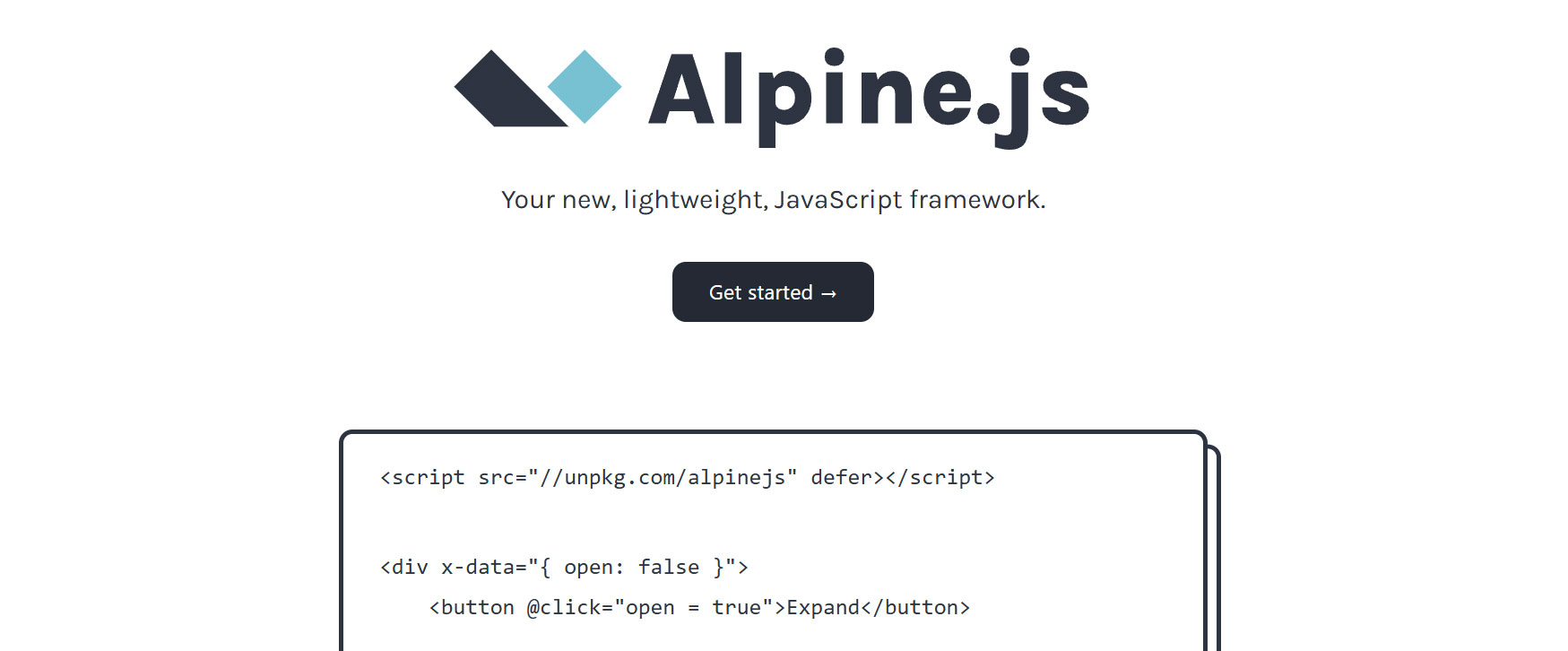
Alpine.js occupies a useful middle ground between vanilla JavaScript and a full framework like React or Vue. It adds reactivity and interactivity through HTML attributes — toggles, dropdowns, tabs, accordions — without a build step or complex setup. At around 15KB, it’s a sensible choice for adding behaviour to server-rendered HTML, making it a good fit for WordPress or static site contexts where a full framework would be overkill.
Cash
A jQuery-compatible API in around 6KB. If you have a legacy jQuery codebase you want to modernise incrementally, Cash lets you replace jQuery without rewriting your selectors and event handlers. A solid drop-in for projects that only use jQuery’s core DOM manipulation features.

When to use native JavaScript instead
A significant number of jQuery plugins have been made obsolete by native browser APIs. Before reaching for a library, it’s worth knowing what’s available without one.
- Scroll animations — The IntersectionObserver API does what Waypoints.js did, natively, with better performance
- AJAX requests — The Fetch API replaces $.ajax() entirely, with a cleaner promise-based interface
- Class toggling — classList.toggle(), classList.add(), classList.remove() make jQuery’s addClass() unnecessary
- DOM selection — document.querySelector() and querySelectorAll() cover jQuery’s $() selector for most cases
- CSS transitions — Native CSS handles the majority of microinteraction animations that jQuery’s .animate() was used for
- Sticky elements — position: sticky in CSS replaces scroll-watching sticky nav plugins
Performance considerations
Every JavaScript library you load adds to your page weight and parsing time. This matters for Core Web Vitals — specifically Interaction to Next Paint (INP) and Total Blocking Time — which are ranking signals. Loading jQuery (around 87KB minified), a slider library, a lightbox, and additional plugins adds up quickly.
The practical approach is to audit what you’re actually using. Many WordPress themes and plugins load jQuery plugins that are never triggered on most pages. Tools like Chrome DevTools Coverage tab show you exactly which JavaScript is loaded but unused on any given page. If a library is only needed on one page type, load it conditionally rather than globally.
The goal isn’t to eliminate dependencies — it’s to ensure each one earns its place. A site using Swiper for a homepage carousel, Flatpickr for a booking form, and GSAP for a few key animations is making reasonable, performance-conscious choices. A site loading six jQuery plugins for effects that could be handled with 20 lines of CSS is not.
If your site’s JavaScript is affecting load times or WordPress performance, a technical audit from Falling Brick can identify what’s worth removing, replacing, or deferring. Get in touch.

With over two decades of web design and development expertise, I craft bespoke WordPress solutions at FallingBrick, delivering visually striking, high-performing websites optimised for user experience and SEO.