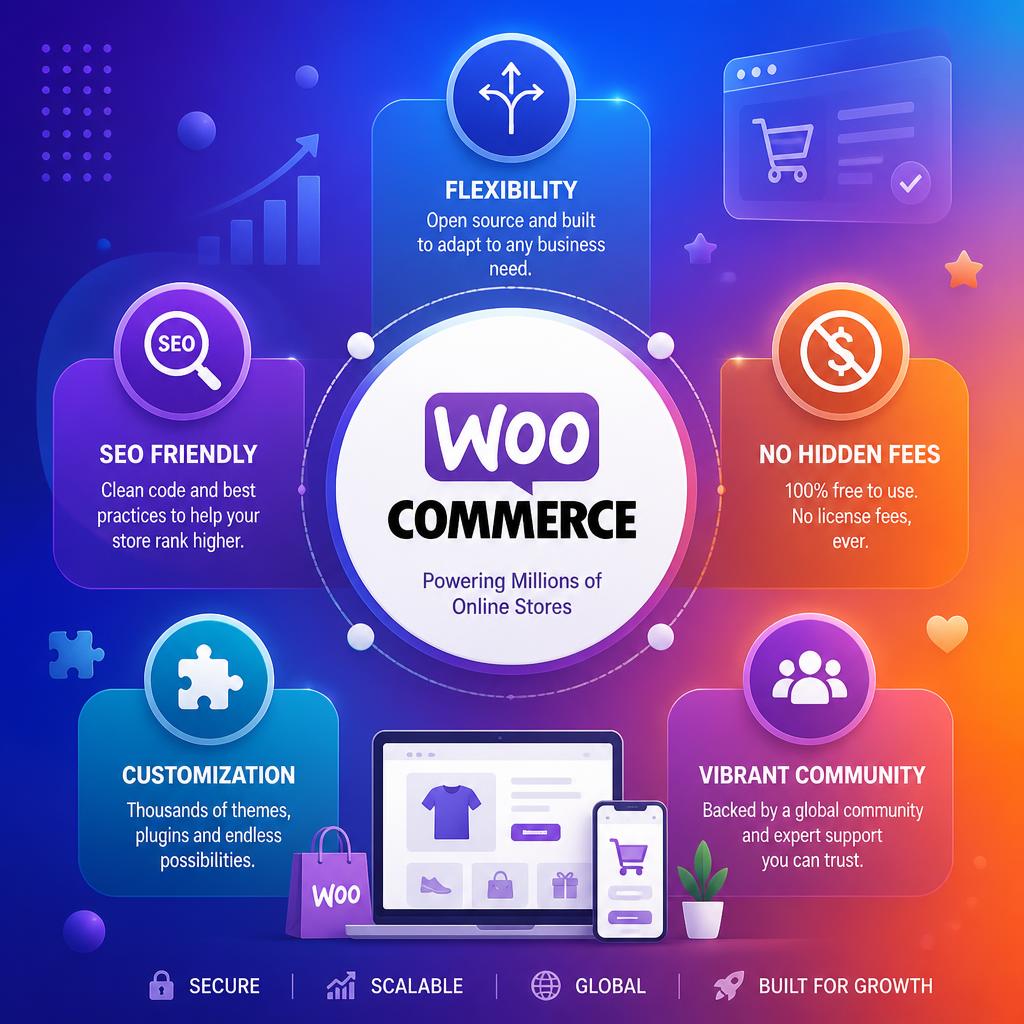
Why Use WooCommerce for Your Online Store in 2026?
If you’re building an online store on WordPress, WooCommerce is the obvious choice — but not just because it’s free. It powers over 30% of all online stores worldwide, and for good reason. It combines genuine flexibility with deep WordPress integration, giving you a platform that grows with your business without locking you into someone else’s ecosystem. You can also set up upsells and cross-sells to increase average order value.
This guide explains exactly why WooCommerce is worth choosing, what it does better than the alternatives, and what you need to know before you get started.
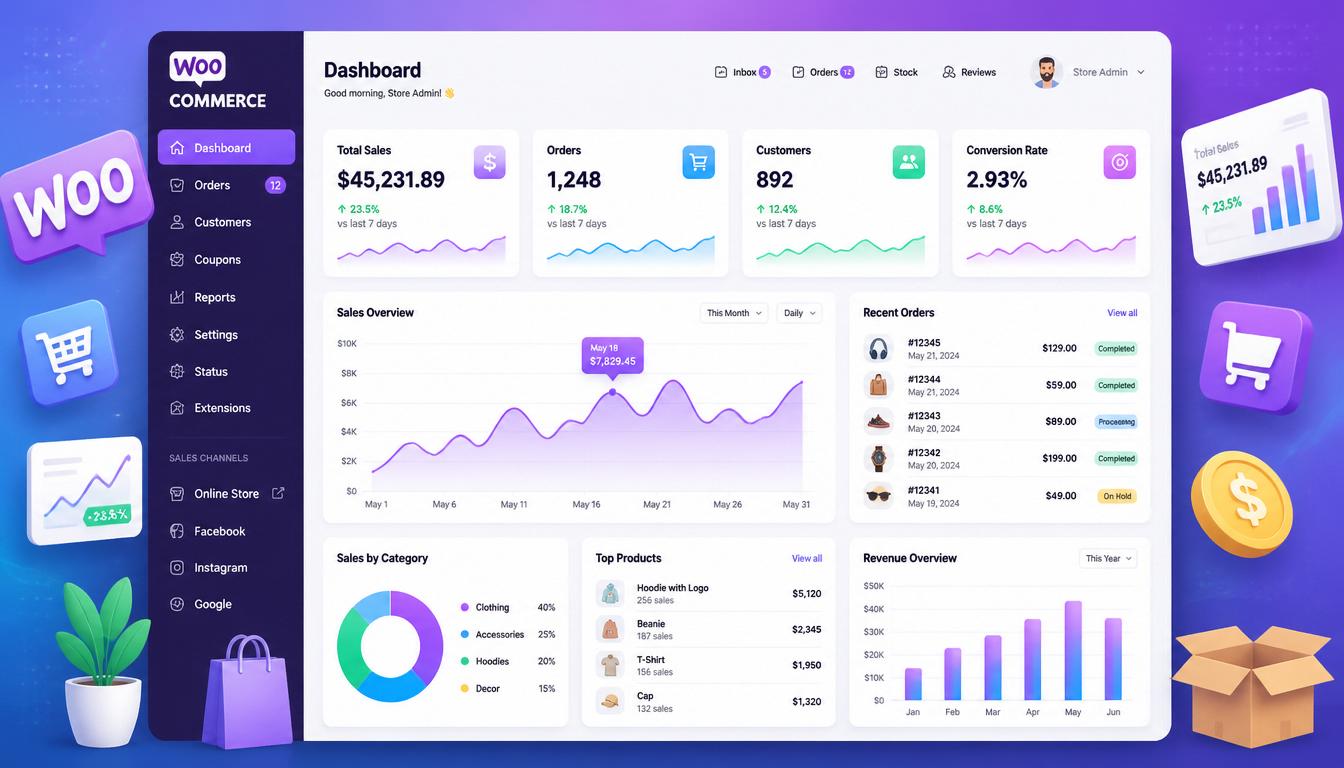
WooCommerce online store dashboard
What Is WooCommerce?
WooCommerce is a free, open-source e-commerce plugin for WordPress. Installed on your site, it transforms a standard WordPress installation into a fully functional online shop — complete with product management, cart, checkout, payment processing, and order management.
Because it sits on top of WordPress, you own everything: your data, your code, your hosting. There are no mandatory monthly platform fees, no transaction cuts on top of your payment gateway, and no artificial limits on products, orders, or bandwidth.
| Feature | WooCommerce | Shopify |
|---|---|---|
| Platform cost | Free plugin | £25–£344+/month (billed monthly) |
| Third-party transaction fees | None (gateway fees only) | 0.6–2% (unless using Shopify Payments) |
| Hosting | Your choice | Included (no control) |
| Customisation | Unlimited | Limited by platform |
| SEO control | Full (URL structure, schema, meta) | Partial |
| Data ownership | 100% yours | Shopify’s servers |
If you’re weighing WooCommerce against Shopify, our full WooCommerce vs Shopify comparison breaks down costs, SEO control, customisation and scalability side by side.
Why Choose WooCommerce? The Key Advantages
It’s Built on WordPress
WordPress powers over 43% of all websites globally. WooCommerce inherits that entire ecosystem — themes, plugins, page builders, SEO tools, and a vast developer community. If you already have a WordPress site, adding WooCommerce is a natural extension rather than a platform migration.
More importantly, your content and your shop live in the same system. Blog posts, landing pages, and product pages all share the same CMS, the same SEO plugin (Rank Math, Yoast), and the same caching configuration. That matters for organic traffic.
No Platform Fees or Transaction Cuts
With an external payment provider, Shopify charges a third-party transaction fee of 2% on Basic, 1% on Grow and 0.6% on Advanced. For a UK store processing £100,000 in annual sales through an external provider on Basic, that fee would be £2,000, in addition to the £300 annual subscription (£25/month, billed monthly). Shopify Payments has separate card-processing fees.
WooCommerce charges nothing at the platform level. You pay your hosting, your payment gateway (Stripe, PayPal, or any of the 100+ available gateways), and whatever premium extensions you choose. For most stores, total annual running costs come in significantly lower than a mid-tier Shopify plan.
Pro Tip: For a store doing £50,000/year: Shopify costs ~£1,500/year (£300 Basic + £1,000 in 2% transaction fees + £200 apps). WooCommerce costs ~£220/year (£120 managed hosting + £0 platform fees + £100 plugins). That’s £1,280 saved annually — money you can reinvest in marketing or product development.
Complete Design Freedom
WooCommerce works with any WordPress theme. You can build your store with Elementor, Bricks Builder, or a fully custom theme — with no template restrictions, no proprietary design system to work around, and no extra fees for advanced customisation.
This is where WooCommerce genuinely outclasses hosted platforms. Your store can look exactly like your brand, not a variation of a theme someone else chose first.
SEO Advantages That Actually Matter
WooCommerce gives you full control over every SEO-relevant element of your store — URL structure, canonical tags, schema markup, breadcrumbs, meta titles and descriptions, structured data for products, reviews, and prices. Pair it with a proper SEO setup and you have a platform that can genuinely compete for high-intent commercial queries.
Shopify has improved its SEO in recent years, but URL structures remain partially locked (the /products/ and /collections/ path structure cannot be changed), and some schema customisation requires workarounds. WooCommerce has none of these limitations.
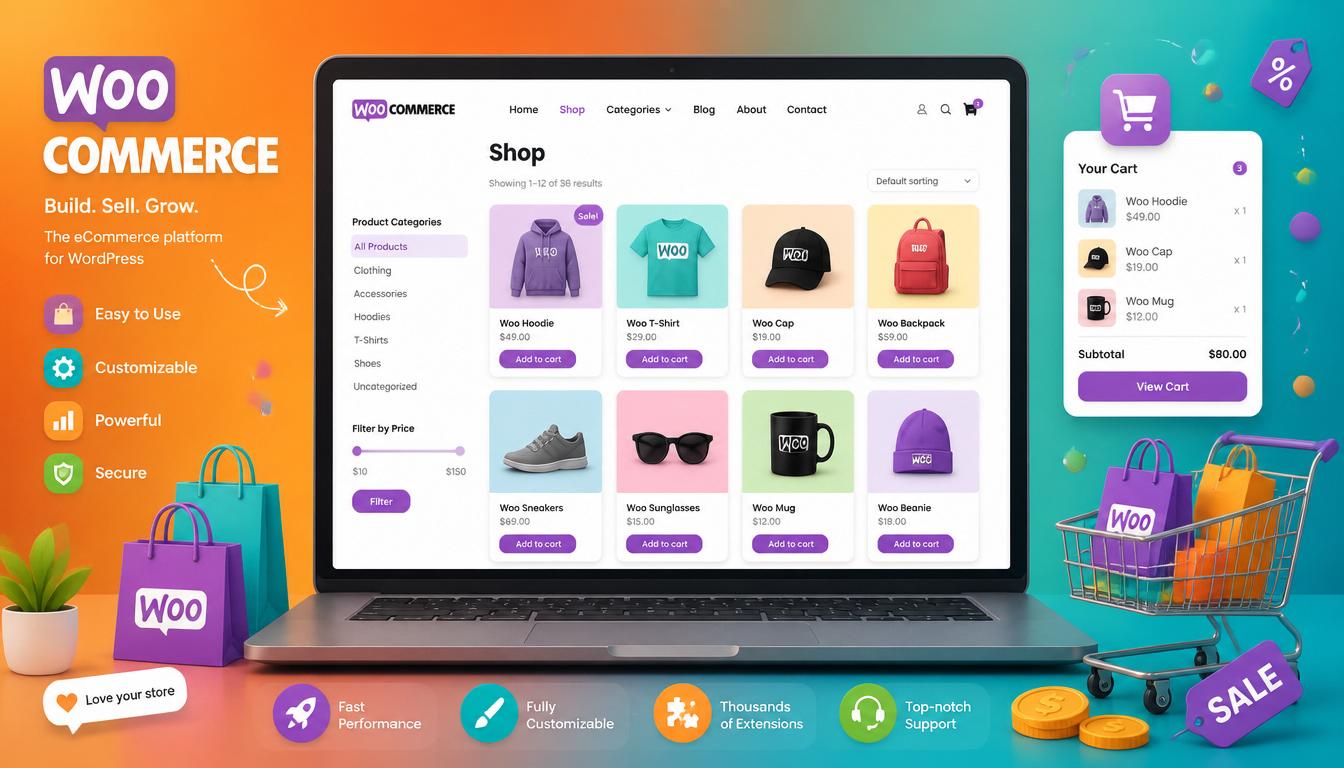
WooCommerce store product management
WooCommerce Features: What You Get Out of the Box
The core WooCommerce plugin is free and includes everything you need to run a functioning online store:
- Product management — simple, variable, grouped, and external/affiliate product types
- Inventory tracking — stock levels, backorder management, low stock notifications
- Flexible shipping — flat rate, free shipping, local pickup, real-time carrier rates
- Tax handling — automatic UK VAT calculations, multiple tax rates, digital goods compliance
- Payment gateways — Stripe, PayPal, bank transfer, cheque, and cash on delivery included; 100+ gateways available as extensions
- Order management — order statuses, customer emails, refunds, and notes
- Reporting — sales, revenue, top products, customer data, and stock reports
- Coupon and discount system — percentage, fixed cart, and product discounts
- Customer accounts — order history, address book, saved payment methods
Scalability: WooCommerce Grows With You
One common misconception is that WooCommerce is only suited to small stores. That’s simply not true. WooCommerce runs stores turning over millions of pounds annually — the platform itself is not the limiting factor. What matters is your hosting infrastructure and how well the site is configured.
On a managed WooCommerce host (Cloudways, Kinsta, WP Engine) with proper caching (WP Rocket), a CDN (Cloudflare), and database optimisation, WooCommerce handles high traffic and large catalogues comfortably. Contrast this with shared hosting without caching, which will struggle regardless of platform.
As your store grows, WooCommerce scales through:
- Upgrading hosting (VPS, dedicated, or managed WordPress hosting)
- Adding a full-page cache and CDN
- Implementing a headless or hybrid architecture for very high volume
- Database optimisation and query caching
The WooCommerce Extension Ecosystem
The Woo Marketplace offers hundreds of official extensions alongside thousands of third-party plugins from the broader WordPress ecosystem. Whatever your store needs, it almost certainly already exists:
| Category | Popular Options |
|---|---|
| Subscriptions | WooCommerce Subscriptions, YITH Subscriptions |
| Memberships | WooCommerce Memberships, MemberPress |
| Bookings | WooCommerce Bookings, Amelia |
| Product bundles | WooCommerce Bundles, YITH Product Bundles |
| Multi-currency | WooCommerce Multi-Currency, WPML |
| Reviews & UGC | Stamped.io, Judge.me, Yotpo |
| Abandoned cart | Klaviyo, CartFlows, AutomateWoo |
| Analytics | Metorik, Google Analytics 4, WooCommerce Analytics |
Who Should Use WooCommerce?
WooCommerce is the right choice if:
- You’re already on WordPress or plan to be
- SEO and organic traffic are core to your strategy
- You want full control over design without template constraints
- You’re scaling past the point where Shopify’s fees become significant
- You need custom functionality that a closed platform can’t accommodate
- You want to own your data and not be dependent on a third-party platform
WooCommerce may not be the best fit if you have no technical resource at all and need a completely managed, hands-off solution. In that case, a hosted platform like Shopify reduces the operational overhead — at a cost. For businesses that want agency-level quality and long-term control, a properly built WooCommerce store delivers more value over time.
Pro Tip: WooCommerce’s real advantage isn’t the plugin itself — it’s the combination of WordPress SEO, full hosting control, zero transaction fees, and unlimited customisation working together. Each element individually is useful; together they compound into a significant competitive advantage over time.
WooCommerce and WordPress: The Technical Stack
A well-configured WooCommerce store in 2026 typically runs on:
- Hosting — Cloudways (recommended for flexibility), Kinsta, or WP Engine for managed environments
- Caching — WP Rocket with WooCommerce-specific exclusion rules
- CDN — Cloudflare for global delivery and DDoS protection
- Security — Wordfence or Sucuri, SSL, regular backups
- SEO — Rank Math Pro with WooCommerce integration for product schema
- Performance — Perfmatters for script management, WebP images via Imagify or ShortPixel
This stack delivers excellent Core Web Vitals scores and a shopping experience that competes with any hosted platform — without the ongoing subscription overhead.
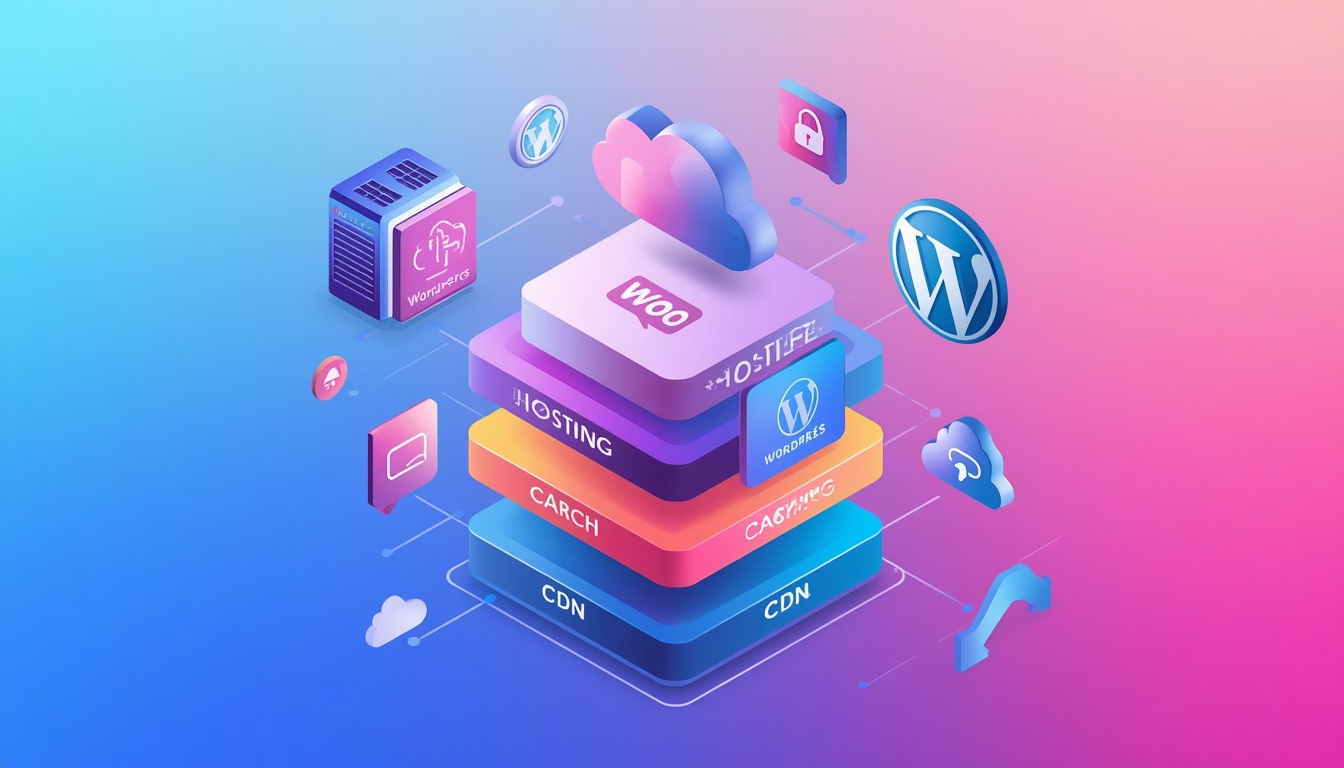
WooCommerce WordPress technology stack
Getting Started with WooCommerce
Setting up WooCommerce is straightforward: install WordPress, install the WooCommerce plugin, and follow the setup wizard. Within an hour you can have a functioning store with products, payment, and shipping configured.
That said, the difference between a basic WooCommerce install and a properly built, high-performing store is significant. Theme selection, plugin conflicts, page speed optimisation, checkout conversion rate, and SEO configuration all require careful attention. Getting these right from the start is considerably cheaper than fixing them later.
If you’re considering WooCommerce for a new store or migrating from another platform, get in touch — I can advise on the right setup for your specific requirements, or handle the build entirely.
Frequently Asked Questions
Is WooCommerce free?
The core WooCommerce plugin is completely free. You’ll pay for hosting, a domain, SSL (often included with hosting), and any premium extensions or themes you choose. Total annual costs typically range from £60–£400 depending on hosting and extensions — substantially less than an equivalent Shopify subscription.
Is WooCommerce good for SEO?
Yes — WooCommerce is one of the best e-commerce platforms for SEO. Full URL control, product schema markup, integration with Rank Math or Yoast, breadcrumbs, and the ability to create SEO-optimised category and landing pages all contribute to strong organic performance. See our guide on whether SEO still works in 2026 for context on why organic search still matters.
How many products can WooCommerce handle?
There’s no hard limit imposed by WooCommerce itself. Stores with tens of thousands of products run successfully on WooCommerce — the limiting factor is hosting infrastructure and database configuration, not the platform.
Can I use WooCommerce without knowing how to code?
Yes, for basic stores. The setup wizard, visual page builders like Elementor, and the WooCommerce admin are all designed for non-developers. For advanced customisation, payment gateway integration, or performance optimisation, working with an experienced WordPress developer will save significant time and avoid costly mistakes.
WooCommerce vs Shopify — which should I choose?
WooCommerce wins on cost (long-term), SEO control, customisation, and data ownership. Shopify wins on simplicity and managed infrastructure. If you’re on WordPress and care about organic traffic and long-term cost, WooCommerce is almost always the better choice. If you need a completely hands-off solution and the ongoing fees don’t concern you, Shopify is viable. For most UK small businesses and growing brands, WooCommerce offers better long-term value.
Do I need a WordPress developer for WooCommerce?
Not for basic setup, but for a store that performs well and converts effectively — yes. Theme integration, speed optimisation, checkout customisation, and SEO configuration are areas where professional expertise makes a measurable difference. A poorly configured WooCommerce store will underperform regardless of the platform’s potential.
Once you’ve decided WooCommerce is the right fit, our complete WooCommerce guide walks through setup, products and scaling. For the technical side — getting WooCommerce running inside WordPress — see our step-by-step integration guide. Wondering what a WooCommerce store will actually cost? See how much a website costs in the UK for realistic budgets, from a small shop to a large store.

With over two decades of web design and development expertise, I craft bespoke WordPress solutions at FallingBrick, delivering visually striking, high-performing websites optimised for user experience and SEO.