WordPress Booking Systems That Fit How You Take Bookings.

WordPress booking system development in London.
If your customers still book by phone, email or message, an online booking system can save you time and make it easier for them to say yes. I set up, customise and connect booking systems on WordPress for businesses in London and across the UK. In most cases, that means configuring a proven plugin, adapting it to your services and adding it to a website you already have. If a plugin cannot handle a specific requirement, I will explain the available options before any additional development is agreed.
Who a booking system suits.
Booking works best when customers need to pick a time, a service or a person. It is a good fit for:
- Clinics and therapists: Appointments with set durations, practitioners and availability
- Trainers, coaches and consultants: One-to-one sessions, classes and paid consultations
- Salons and studios: Services with different lengths, prices and staff
- Local and trade services: Site visits, surveys and quote appointments
- Venues and workshops: Events, classes and sessions with limited places
- Online and remote services: Video consultations and sessions booked in advance
Choosing the right booking plugin.
Most businesses do not need a booking system built from scratch. A well-supported plugin, set up properly, covers a lot. I look at how you take bookings today, then recommend the simplest option that works:
- A configured plugin: Choose, install and set up an existing booking plugin around your services and availability
- A plugin with adjustments: Add the missing pieces, such as extra fields, custom emails or styling that matches your site
- Connected tools: Connect the booking system with calendars, payments, email tools or other services where the workflow needs it
If you are still comparing options, my guide to the best WordPress booking plugins covers the main choices.
A booking journey that is easy to finish.
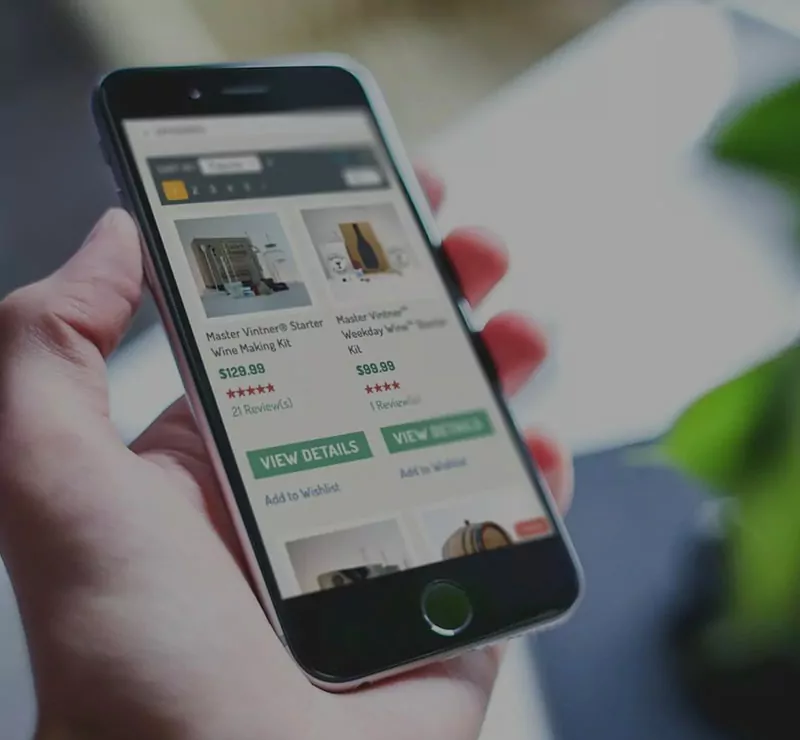
Most bookings are made on a phone, so the journey needs to be short and clear. I design it around the steps your customers take: choosing a service, seeing real availability, entering their details and getting a confirmation. The booking form should look like part of your website, not something bolted on, and it should work well on small screens.
Clear rules for changes and cancellations.
Real bookings change. Customers need to reschedule, cancel or arrive late, and you need to protect your time. I set the system up to follow your rules: how far ahead people can book, how late they can change or cancel, and what happens to deposits. These rules are agreed in the scope, shown clearly in the booking process and applied the same way every time.
Adding booking to an existing website.
You do not need a new website to take bookings. I can add a booking system to your current WordPress site, check it works with your theme and other plugins, and keep the extra scripts from slowing the pages down. I also check how booking details are stored and who can see them, and agree that with you in the scope. Before launch, I can check the booking emails, confirmation pages and mobile layout so customers know what happens next and you can manage the system without unnecessary manual work. I can also test a real booking, a change and a cancellation before the system is handed over, so the agreed process works properly from the customer’s first click to the final confirmation. If the existing design needs work first, the booking system can be part of a website redesign.
What a booking system can include.
Depending on the scope we agree, a booking system can include:
- Services and availability: Working hours, blocked dates, service lengths and buffer times between appointments
- Staff and locations: Separate calendars where more than one person or place takes bookings
- Payments and deposits: Take full payment or a deposit at the point of booking, for example through Stripe, PayPal or WooCommerce
- Calendar sync: Keep bookings in step with Google Calendar or Outlook
- Online meetings: Connect bookings to Zoom or other video calls where the service is remote
- Emails and reminders: Automatic confirmations and reminders for you and your customers, which can help reduce no-shows
- Booking forms: Extra questions you need answered before the appointment
- Managing bookings: A clear way to view, change and cancel bookings from the WordPress admin
Tested before it goes live.
A booking system has to work every time, so I test the full journey before launch. That includes making test bookings on phone and desktop, checking confirmation emails and reminders, testing payments and deposits, and confirming that bookings reach your calendar.
Keeping it working after launch.
Booking tools depend on WordPress, plugins and your hosting, and a booking button that fails will not always announce itself. After launch I can look after updates, backups and checks through website maintenance, which is scoped separately. For what ongoing support includes, see the guide to WordPress monthly support.
How much does a booking system cost?
The cost depends on how much your process needs, not a fixed price list. The main factors are:
- Approach: A configured plugin is usually the simplest and most cost-effective option
- Complexity: The number of services, staff, locations and booking rules
- Payments: Whether you take deposits or full payment, and through which provider
- Integrations: Calendars, video calls, email tools or other business systems
- Design: How much of the booking journey needs custom styling to match your brand
I agree the scope, timescale and quote before work begins. Plugin licences, where a paid plugin is the right choice, are separate. For general budgeting, see how much a website costs.
Questions before adding a booking system.
Which booking plugin should I use?
It depends on your services, payments and calendar needs. I recommend a plugin after looking at how you take bookings today, and only suggest extra adjustments where a plugin falls short.
Can you add booking to my existing website?
Yes. I check the theme, plugins and hosting first, then add the booking system so it matches the rest of the site.
Can customers pay a deposit when they book?
Yes, where the booking system and payment provider support it. I agree how deposits, refunds and cancellations work before building.
Can bookings sync with Google Calendar or Zoom?
In most cases, yes. The exact options depend on the plugin or workflow used, so I confirm them during planning.
How long does it take?
Timing depends on the number of services, payment options and integrations. I provide a clear estimate after the initial brief.
My Booking System Process
The steps below show a typical project. The exact scope depends on your services, payments and the website you already have.

Plan
Map how you take bookings today: services, staff, availability, payments, reminders and the tools you already use.

Choose
Decide which plugin and setup best fit the brief, identify any required adjustments, and agree the scope and quote.

Build
Set up the booking system, style it to match your website and connect the agreed payments, calendars and emails.

Test
Make test bookings on phone and desktop, and check emails, payments, reminders and calendar sync before launch.

Launch
Take the booking system live and show you how to view, change and manage bookings from WordPress.